Engagement party photo sharing
Engagement party QR code: the first gallery of your wedding story
The ring is on, both families are in one room, and everyone’s phone is out. Snap the Knot gives your engagement party a QR code that collects all of those photos in one private gallery. Guests scan and upload from their phone’s browser, with no app and no account. You get every toast, hug and slightly blurry dance-floor moment in one place.
5 photo uploads free · No card needed
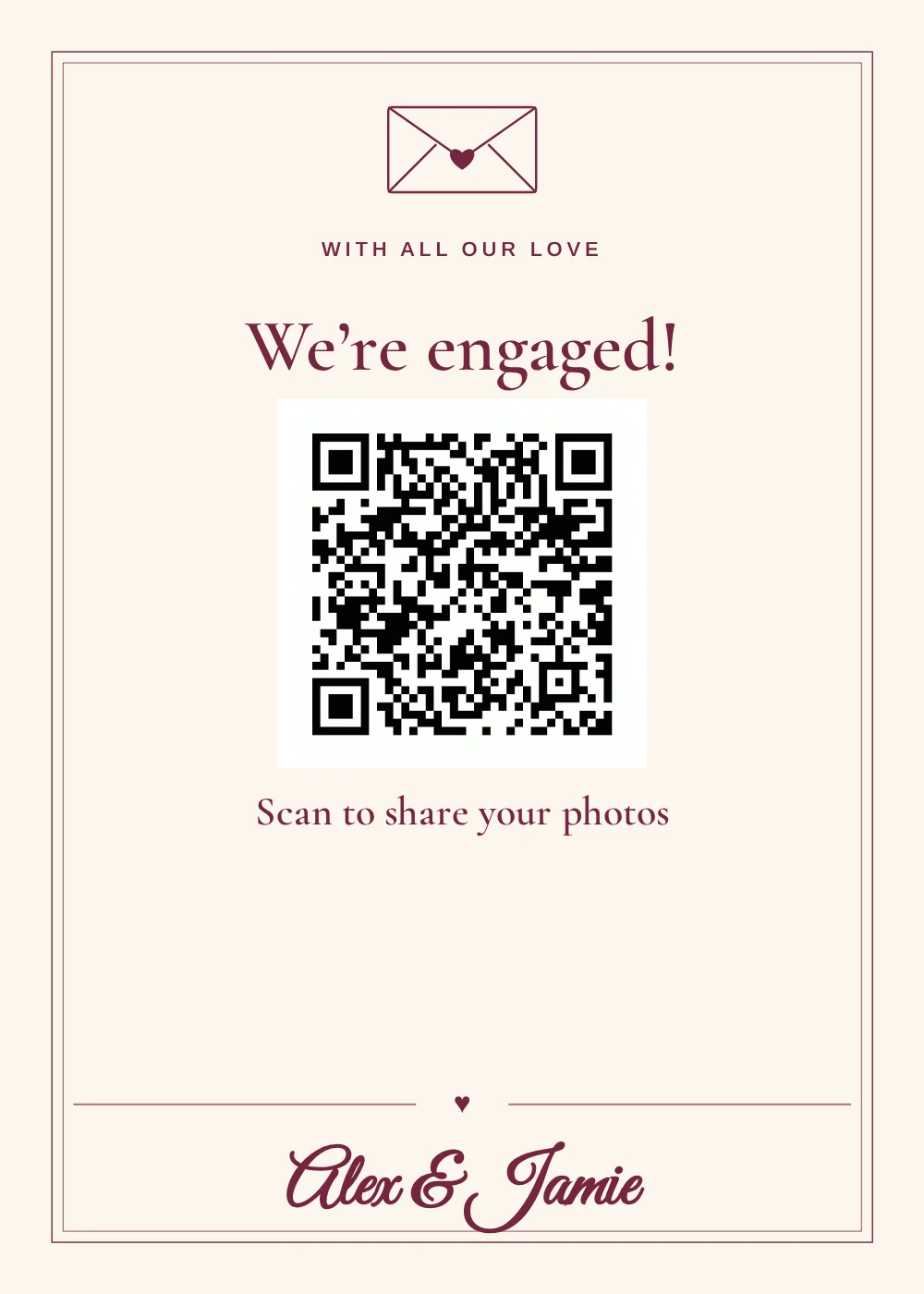
Your first party as an engaged couple, from every angle
At an engagement party, you’re busy hugging people and retelling the proposal story fifteen times. Meanwhile your best friend got the perfect shot of the two families toasting, your future mother-in-law filmed the speech, and your cousin has a camera roll full of candids you’ll never see. A QR code on the table gets those photos to you, without a week of “can you send me that one?” texts.
How it works
Set it up in three steps
-
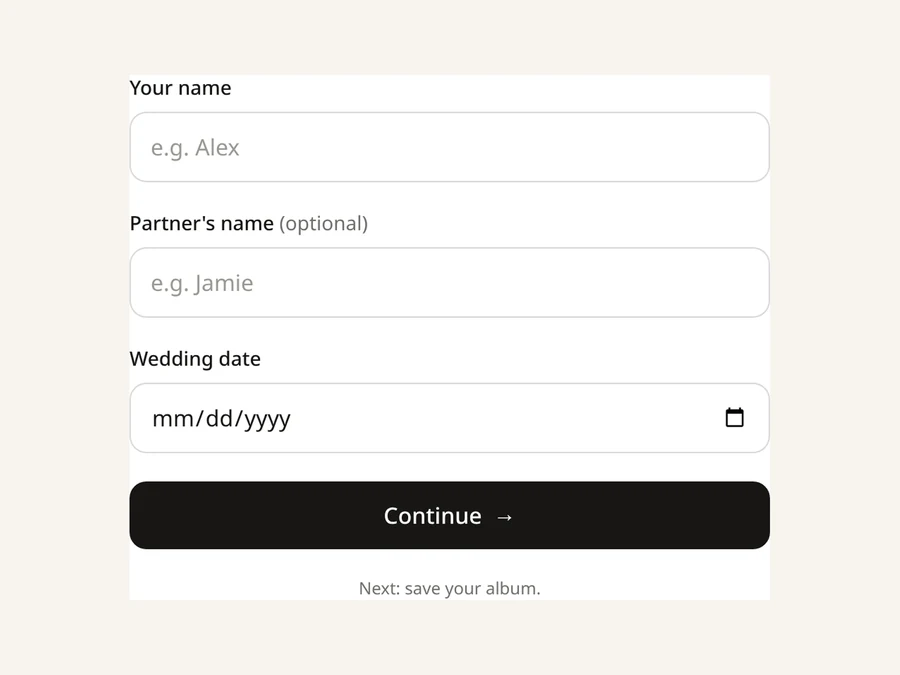
1 · Create
Start your wedding gallery
Create a Snap the Knot account at Get started with your names and wedding date. Not settled on a final date yet? Use your best estimate for now.
-
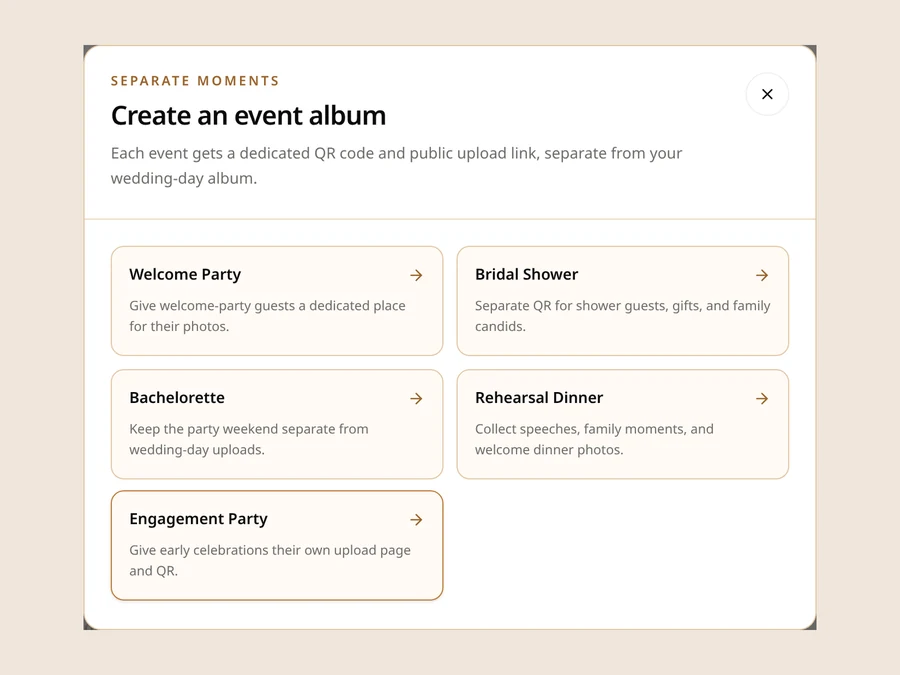
2 · Add
Add an Engagement Party gallery
From your dashboard, add an event gallery and choose Engagement Party. Name it anything you like, such as “Sam & Jordan’s Backyard Toast,” and set the party date. It gets its own QR code and upload link, and its photos stay separate from your wedding-day gallery.
-
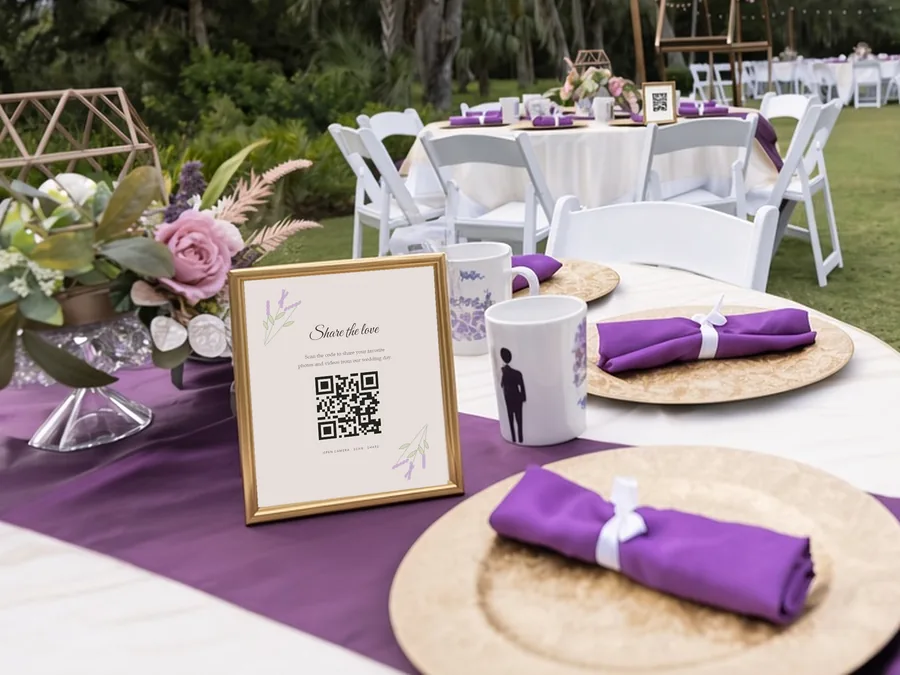
3 · Share
Share the code and enjoy the party
Print the QR code, add it to the invitation or text the link to guests. They scan it with their phone camera, choose their photos and videos, and upload. When the party’s over, download everything in full resolution or as a single ZIP.
Ideas
Ideas for using your engagement party QR code
Put it on the invitation
Guests will know where photos go before they arrive, and anyone who can’t make it can still add photos of the two of you.
Set a sign by the bar or the dessert table
Those are the places people linger with phones in hand.
Mention it in a toast
A quick “all your photos go to the QR code on the table” from whoever’s giving the toast works better than any sign.
Add a photo game
Our free photo scavenger hunt has an engagement party option, with prompts that get the two families mingling.
Same plan
No extra charge for extra events. Party galleries use the plan you chose for your wedding gallery, with no extra charge. You can add up to 8 alongside your wedding-day gallery.
Collect voice messages too: on the $39 plan, guests can leave voice and text messages alongside their photos, so you get a little audio guest book from the night. See how audio messages work.
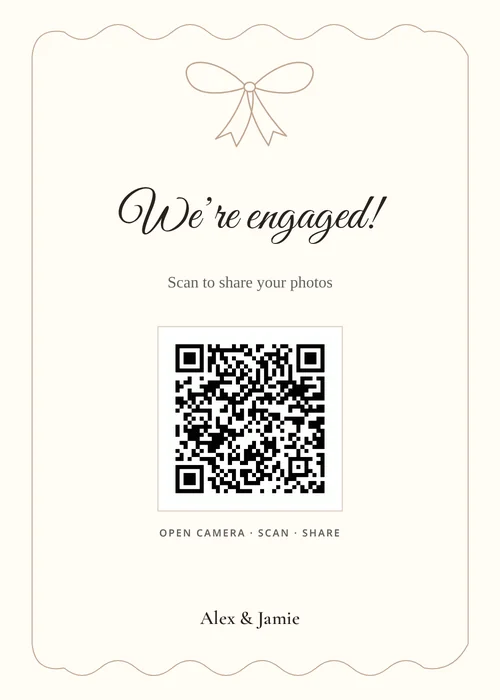
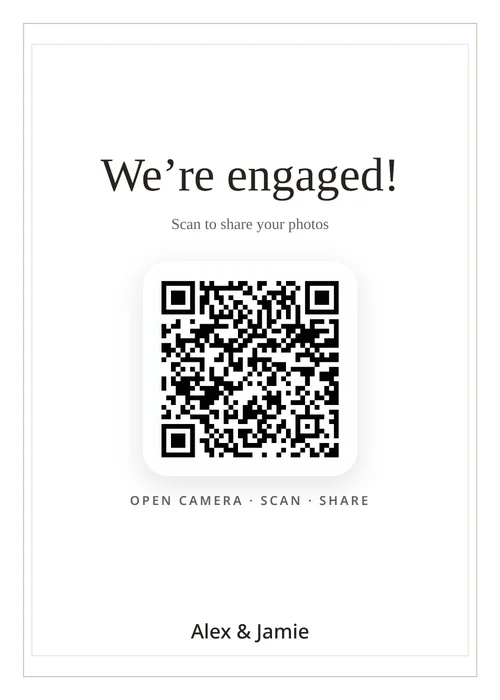
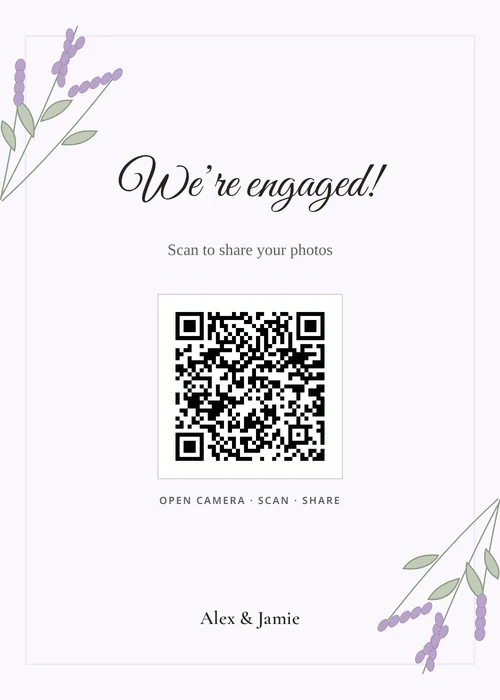
Your sign
A 5×7 sign with your party’s QR code
Pick from 16 sign designs and write your own headline and message, set an accent color, and choose classic, modern or cursive type. The QR code is built in. Print it yourself, or add 10 printed QR signs for $15 with free rush printing and tracked shipping on any plan.
Try the free QR sign makerStart early
Why start with the engagement party
- It’s a test run for the big day. You’ll see how guests use the QR code, where the sign works best and how many photos actually come in, months before the wedding.
- Everything stays in one account. You can add up to eight event galleries under one wedding account. The engagement party, shower, bachelorette, rehearsal dinner and wedding day each get their own gallery.
- Your plan covers it. Event galleries use the same one-time plan as your wedding gallery, so the engagement party doesn’t add another bill.
- The timing works. Paid galleries stay online until one year after your wedding date, not one year after you buy. Starting early with the engagement party doesn’t eat into your time.
For hosts
Throwing the party for them? A quick guide for hosts
Engagement parties are often hosted by parents, siblings or close friends. If that’s you, here’s how to get the QR code. The party gallery is set up from the couple’s Snap the Knot account, so it’s included in their plan.
- If the couple already uses Snap the Knot, ask them to add an Engagement Party gallery from their dashboard and send you the QR code or upload link for the invitations and tables.
- If they’re not on it yet, this is a nice nudge to start. They create their wedding gallery with their names and wedding date, then add the engagement party. Everything they collect now stays in the same account through the wedding.
- If you want to manage the party gallery yourself, the couple can invite you from the “Invite spouse” page in their account menu. That gives you full access to manage the wedding with them, including editing the party gallery and downloading its photos. They can remove you later. The invite needs an email address that doesn’t already have a Snap the Knot account.
Afterward, the couple can send you a view-only link to the album, with an optional PIN, so you can relive the night too.
Privacy
You decide who sees what
By default, guests can add photos to the engagement party gallery but can’t scroll through everyone else’s, so you see everything first. When you want to share, turn on a read-only gallery link and add a PIN if you like, or, without a PIN, show it on the upload page so guests can watch the album fill up. Each event gallery has its own sharing settings, so sharing the engagement party album doesn’t share anything else.
Same plan, every party
One plan for the party and the wedding
There’s no per-event fee. Pick one plan for your wedding gallery and every event gallery uses it:
-
Photos
$19
Photos
-
Photos & Videos
$29
Photos and videos
-
Photos, Videos & Voice
$39
Photos, videos, and guest voice and text messages
-
The complete package
$59
Everything in Photos, Videos & Voice, plus 10 prints and 10 printed QR signs
Each plan is a one-time payment with no subscription. Try your gallery with 5 free photo uploads first, and if you want more time after the year is up, extend for $15 a year or $29 for three years. Download your photos in full resolution or as a ZIP. Compare plans.
FAQ
Engagement party photo sharing FAQ
How do guests upload photos at an engagement party?
They scan the party’s QR code with their phone camera or open the link you sent. The upload page opens in the browser, and they choose photos and videos from their phone. There’s no app or account.
Can we use the same account for the engagement party and the wedding?
Yes. The engagement party is an event gallery under your wedding account, with its own QR code and photos. Your wedding-day gallery and up to eight event galleries all live in one dashboard.
Do we need a wedding date to start?
Yes. Signing up asks for a wedding date, and paid access lasts until one year after it. If you haven’t picked an exact date yet, use your best estimate. If your date changes, contact us and we’ll update it for you.
Does the engagement party gallery cost extra?
No. Event galleries use your wedding gallery’s one-time plan, with no extra charge per event.
Can guests upload videos of the toasts?
Yes, on the $29 Photos & Videos plan or higher. On the $39 plan, guests can also leave voice and text messages.
We’re hosting the engagement party for our kids or friends. How do we get a QR code?
Ask the couple to add an Engagement Party gallery from their Snap the Knot dashboard (it’s included in their plan) and send you its QR code or upload link. If they don’t have an account yet, they create their wedding gallery first with their names and wedding date. They can also invite you from the “Invite spouse” page in their account menu if you’d like to manage the gallery with them. The invite needs an email address that doesn’t already have a Snap the Knot account.
Will other guests see the photos?
Not by default. Guests upload, and you see everything first. You can share a read-only link, with an optional PIN, or show the gallery on the upload page.
More parties
Next up: give your bridal shower and bachelorette party their own QR codes, or read how to collect wedding photos from guests.
Start free
Start with the party, keep going to the wedding
Create your wedding gallery, add your Engagement Party gallery and get the QR code onto the invitations. When the wedding comes around, your guests will already know how it works.
5 photo uploads free · No card needed