Bridal shower photo sharing
Bridal shower QR code: every guest photo in one private gallery
Your bridal shower will be photographed from twenty angles: the gift table, the mimosa bar, the moment she opens the gift from the aunt who always overdoes it. Snap the Knot gives your shower its own QR code, so all of those photos land in one private gallery instead of scattering across camera rolls and group chats. Guests scan, pick their photos and tap upload. No app, no account, no password.
5 photo uploads free · No card needed
How it works
How a bridal shower QR code works
-
1 · Create
Create your free wedding gallery
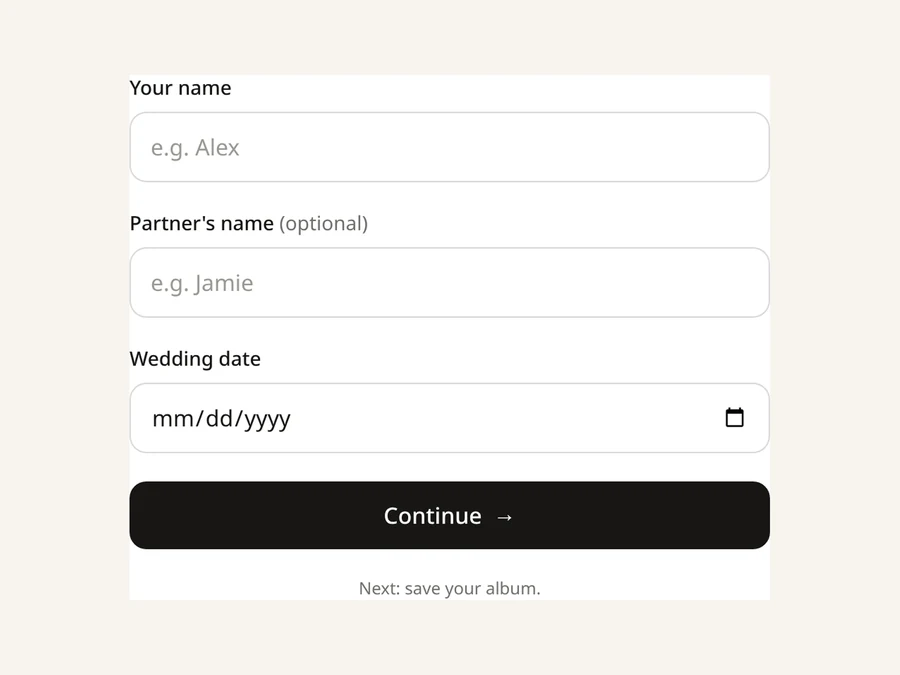
Sign up at Get started with the couple’s names and wedding date. It’s free to try with 5 photo uploads, no card needed.
-
2 · Add
Add a Bridal Shower gallery
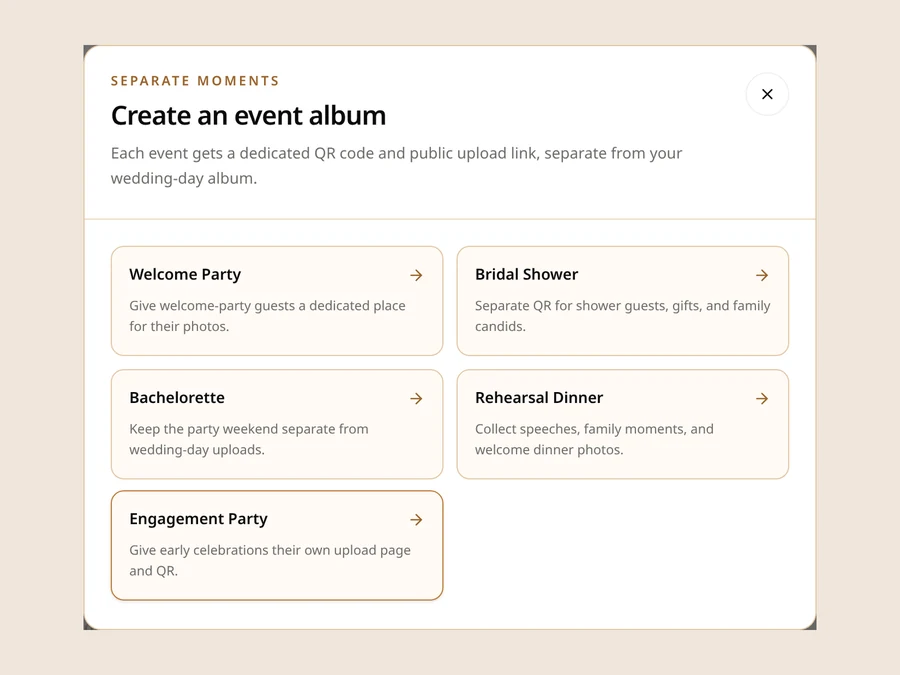
From your dashboard, add an event gallery and choose Bridal Shower. Give it your own title, like “Emma’s Garden Shower,” and set the shower date. It gets its own QR code and upload link, separate from your wedding-day gallery.
-
3 · Share
Guests scan and upload
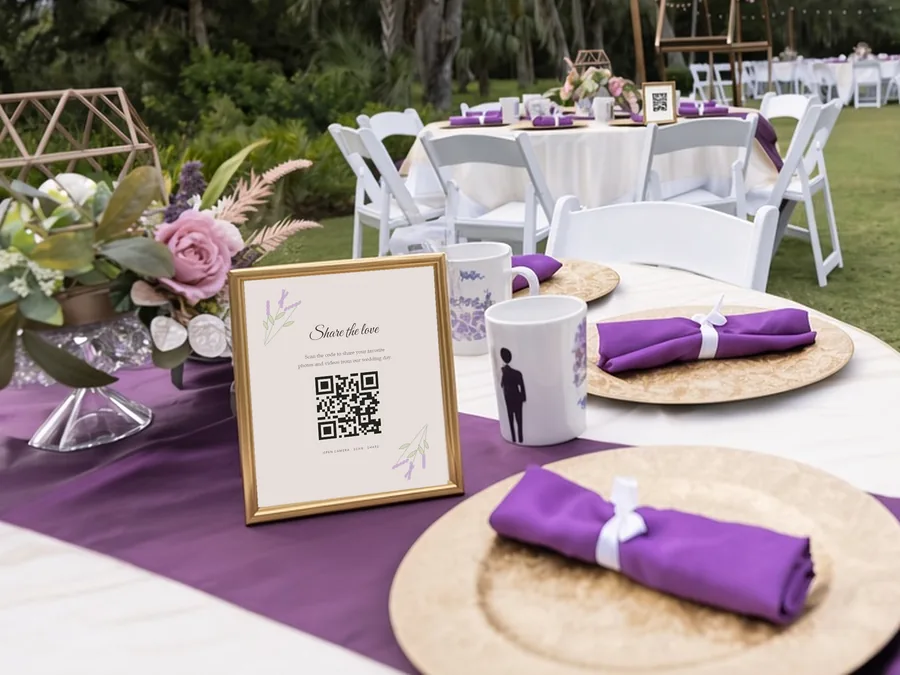
Print the code on a sign, add it to the shower invitation, or text the upload link to the guest list. Guests point their phone camera at the code and upload right in their browser. When the last cupcake is gone, download everything in full resolution or as a ZIP.
Ideas
Where to put your bridal shower QR code
The best spot is wherever people are already standing around with their phones out.
The gift table
It’s where most of the photos happen, so a small framed sign there tends to get scanned.
The welcome sign or guest book
Guests see it the moment they walk in.
Each table or the dessert spread
A small card works well next to the cake or the mimosa bar.
The invitation
Add the QR code or the upload link so guests know the plan before they arrive. It also lets anyone who can’t make it send photos from earlier celebrations.
The thank-you text
Send the link again the next morning. Plenty of the best photos get uploaded the day after.
Same plan
No extra charge for extra events. Party galleries use the plan you chose for your wedding gallery, with no extra charge. You can add up to 8 alongside your wedding-day gallery.
Looking for a party game too? Our free photo scavenger hunt has a bridal shower option, with photo prompts that give quieter guests a reason to start snapping.
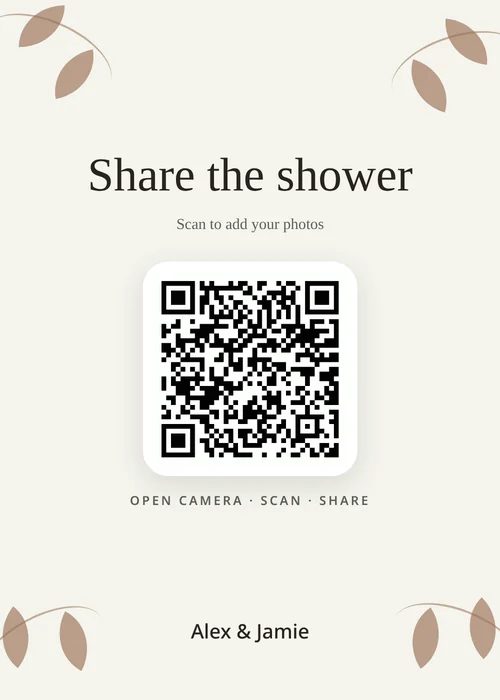
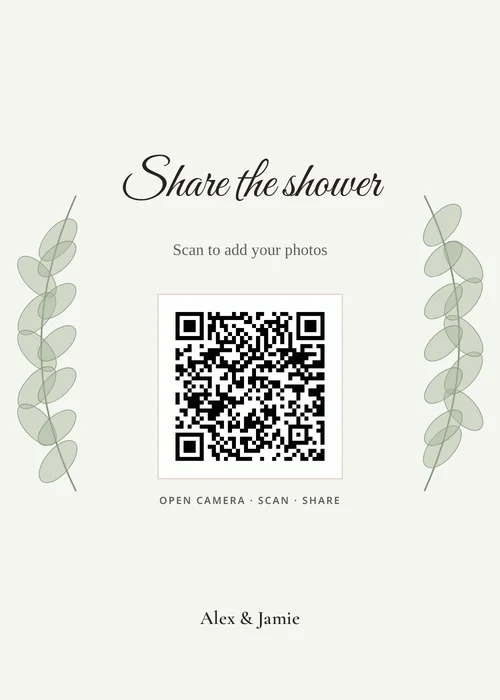
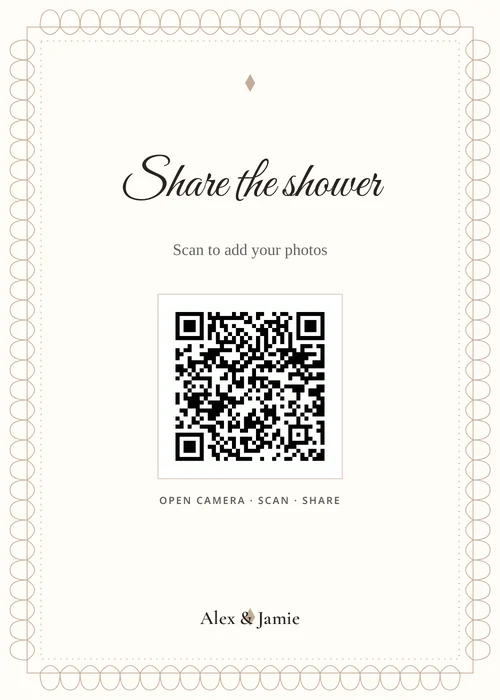
Your sign
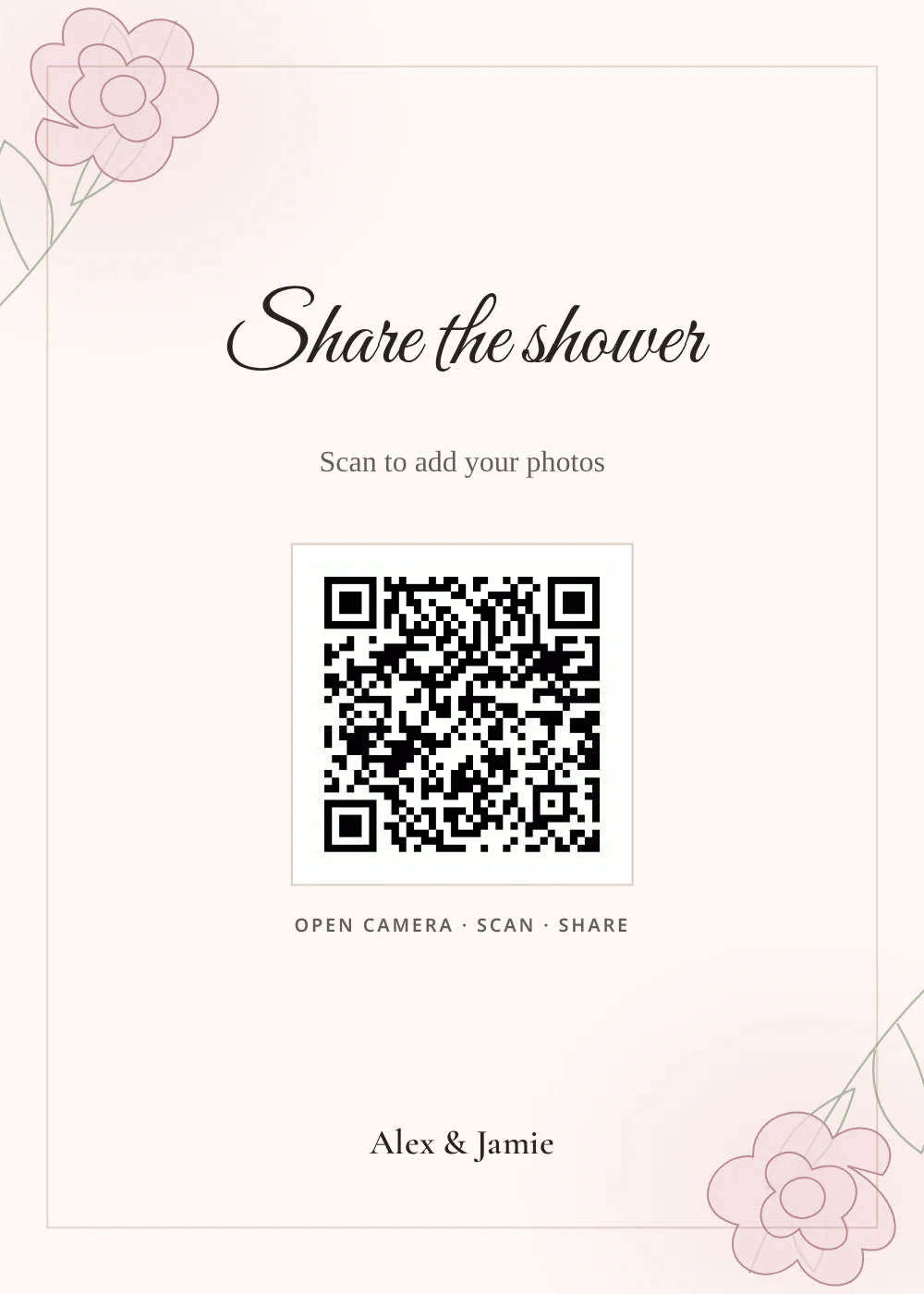
A 5×7 sign with your party’s QR code
Pick from 16 sign designs and write your own headline and message, set an accent color, and choose classic, modern or cursive type. The QR code is built in. Print it yourself, or add 10 printed QR signs for $15 with free rush printing and tracked shipping on any plan.
Try the free QR sign makerEasy for every guest
Made for gift openings, games and Grandma’s phone
Showers bring together every generation of your people, from college roommates to great-aunts. Some of them have never downloaded an app in their lives, and they don’t need to start now. If they can take a photo and scan a QR code with their phone camera, they can upload.
- Nothing to install. The upload page runs in the phone’s browser, so nobody has to find an app store password mid-party.
- No guest accounts. Guests don’t sign up, log in or hand over an email address.
- Full-size files. Uploads are kept at full resolution, not the squished copies that come through a group text.
- Videos and voice notes too. On the $29 plan and up, guests can add video, like the moment the whole room yells “Open the next one!” On the $39 plan, they can also leave voice and text messages, which is lovely for marriage advice from the older crowd.
- Its own space. Shower photos stay in the shower gallery. They don’t get mixed into your wedding-day photos.
For hosts
Hosting the shower? Here’s how to get the QR code
If you’re the maid of honor, a bridesmaid or the mom throwing the party, the shower gallery is set up from the couple’s Snap the Knot account. That’s what keeps it at no extra cost.
- The couple adds a Bridal Shower gallery from their dashboard and sets the shower date.
- They send you its QR code or upload link. You put it on the invitation, print it for the gift table, or text it to the guest list.
- Want to manage it yourself? The couple can invite you from the “Invite spouse” page in their account menu. That gives you full access to manage the wedding with them, so you can edit the shower gallery and download its photos. It also means you can see their wedding gallery, so it works best when the couple is happy to share. They can remove you later. The invite needs an email address that doesn’t already have a Snap the Knot account.
If the couple doesn’t have Snap the Knot yet, they start by creating their wedding gallery with their names and wedding date. They can try it with 5 free photo uploads before choosing a plan.
Privacy
Who sees the shower photos?
By default, guests can upload but they can’t browse what everyone else uploaded, so you see everything first. When you’re ready, you can turn on a read-only shared link for the shower gallery and protect it with a PIN, or, without a PIN, show it on the upload page so guests can see the album fill up during the party. Each event gallery has its own sharing settings, so opening up the shower album doesn’t open up your wedding gallery. Anything that shouldn’t be passed around can be deleted from your dashboard. More on how private QR photo galleries are.
Same plan, every party
What it costs
There’s no separate bridal shower fee. Your shower gallery is an add-on gallery under your wedding account, and it uses whatever plan your wedding gallery is on. You can add up to eight extra event galleries, such as a shower, a bachelorette, an engagement party or a rehearsal dinner, all at no extra charge.
-
Photos
$19
Photos
-
Photos & Videos
$29
Photos and videos
-
Photos, Videos & Voice
$39
Photos, videos, and guest voice and text messages
-
The complete package
$59
Everything in Photos, Videos & Voice, plus 10 prints and 10 printed QR signs
Each plan is a one-time payment with no subscription. You can try your gallery with 5 free photo uploads before choosing a plan. Galleries stay online until one year after your wedding date, so a shower months before the wedding is covered with plenty of time to spare. If you need longer, you can extend for $15 a year or $29 for three years. See full pricing.
FAQ
Bridal shower photo upload FAQ
How do guests upload photos at a bridal shower?
They scan the shower’s QR code with their phone camera, or open the upload link you sent. The upload page opens in their browser, they choose photos from their camera roll and tap upload. There’s no app and no account.
Do I need to make a wedding gallery first?
Yes. Party galleries live under a wedding gallery, so you create the wedding gallery first with the couple’s names and wedding date, then add the Bridal Shower gallery from the dashboard. It’s free to try with 5 photo uploads.
Can the bridal shower have its own gallery separate from the wedding?
Yes. Add a Bridal Shower event gallery from your dashboard. It has its own QR code, upload link, title and date, and its photos stay separate from your wedding-day gallery.
Does a bridal shower gallery cost extra?
No. Event galleries come with your wedding gallery and use the same one-time plan. You can add up to eight of them.
Can guests upload videos at the shower?
Yes, if your wedding gallery is on the $29 Photos & Videos plan or higher. The $39 plan also lets guests leave voice and text messages.
I’m the maid of honor. How do I get a QR code for the shower?
Ask the couple to add a Bridal Shower gallery from their Snap the Knot dashboard (it’s included in their plan) and send you the QR code or upload link. If you’d like to manage the gallery and download the photos yourself, they can invite you from the “Invite spouse” page in their account menu. That gives you full access to the wedding alongside them. The invite needs an email address that doesn’t already have a Snap the Knot account.
How do I get all the shower photos afterward?
Download photos one by one in full resolution, or download the whole shower gallery as a ZIP from your dashboard.
More parties
Planning the rest of the celebrations too? See how to give the whole wedding weekend its own galleries, or set up the bachelorette party QR code and the engagement party QR code.
Start free
Start free, then add the shower
Set up your wedding gallery, add a Bridal Shower gallery, and print the QR code before the invitations go out. When the shower ends, all the photos will be in one place.
5 photo uploads free · No card needed