Bachelorette photo sharing
A bachelorette party QR code for the whole weekend’s photos
Eight friends, eight phones and three days of photos. By Monday, half of them are stuck in someone’s camera roll and the other half got squished in the group chat. Snap the Knot gives your bachelorette its own QR code and upload link, so everyone’s photos land in one private gallery. No app, no sign-ups, and nobody has to chase the friend who took all the good ones.
5 photo uploads free · No card needed
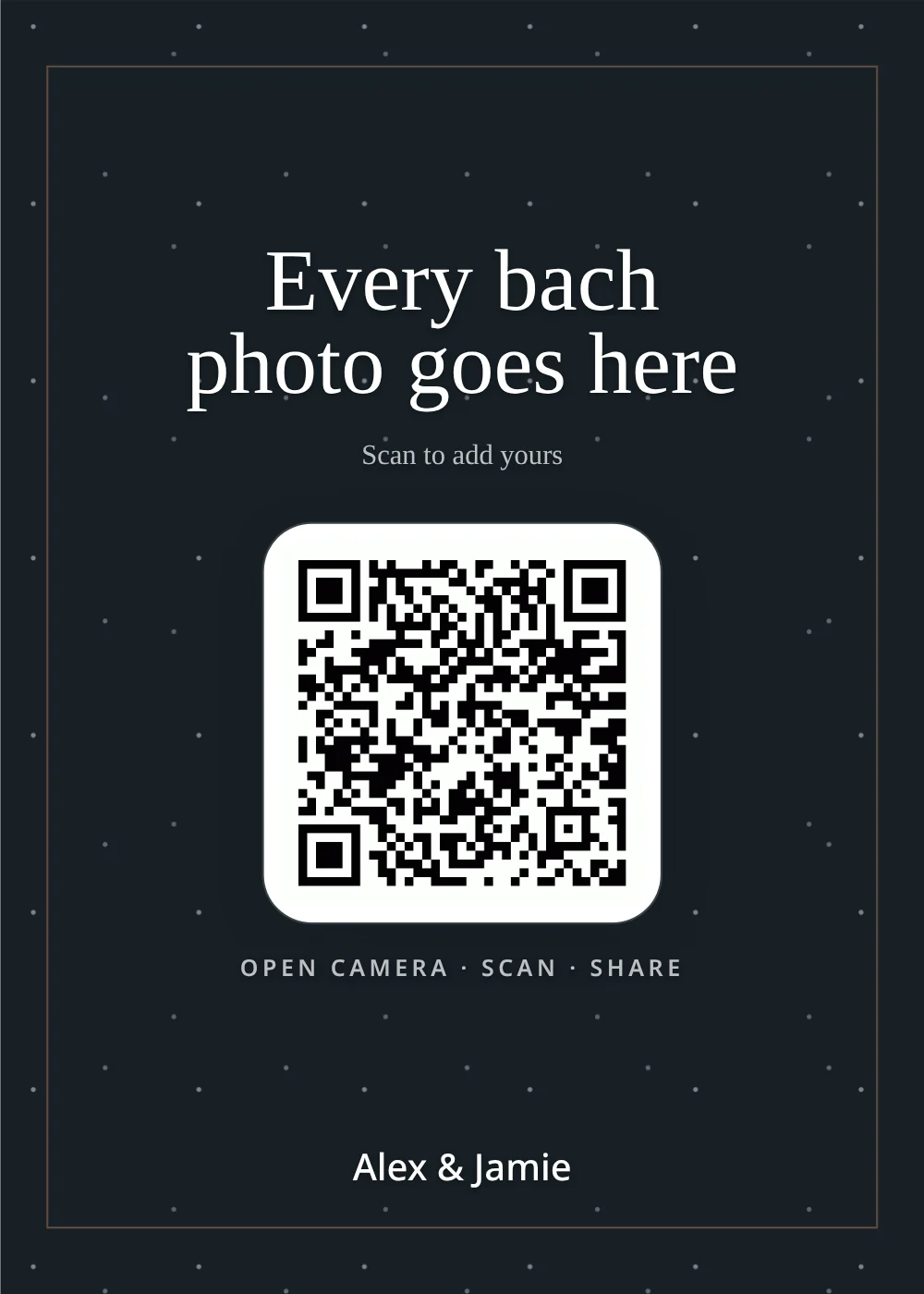
One QR code, every phone in the group
Group chats are great for planning and terrible for keeping photos. Files get compressed, videos time out, and nobody can find the boat-day pictures two weeks later. With a Snap the Knot gallery, each friend opens one link, picks their photos and taps upload. Everything goes to the same place at full resolution, ready to download when the weekend is over.
How it works
How it works
-
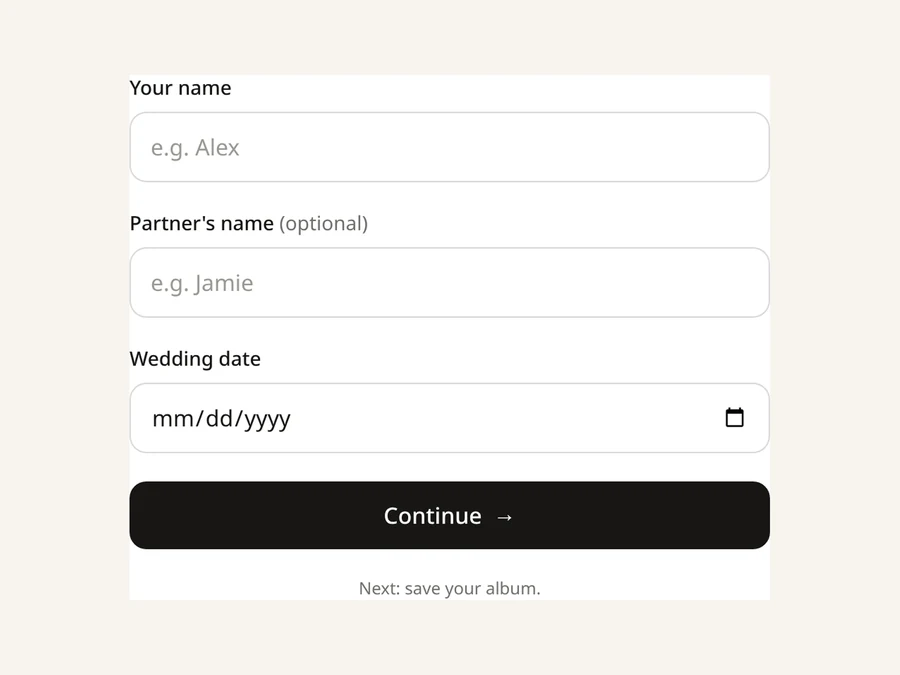
1 · Create
Create your free wedding gallery
Sign up at Get started with the couple’s names and wedding date. It’s free to try with 5 photo uploads, no card needed.
-
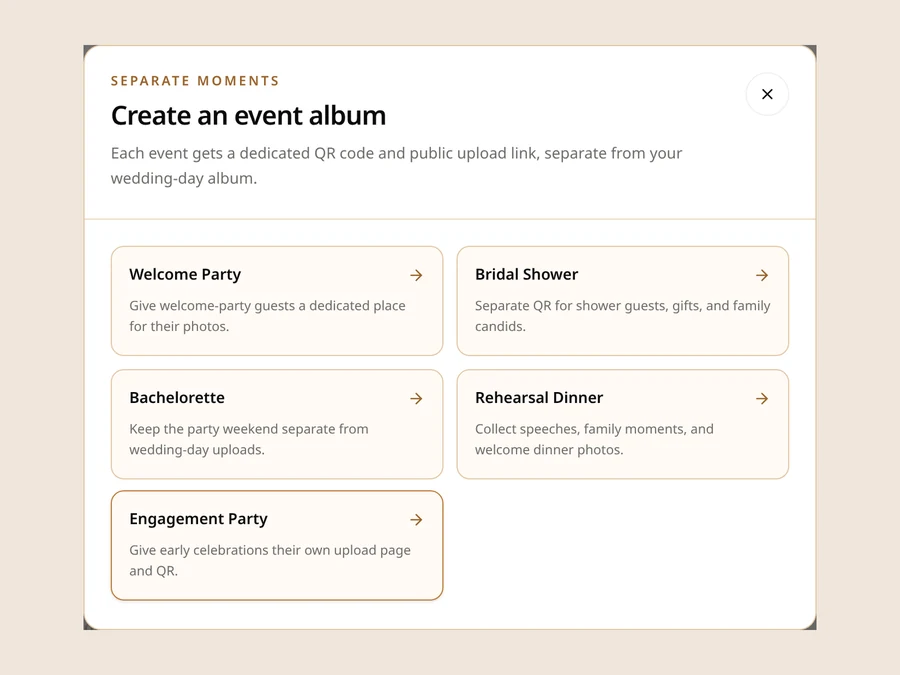
2 · Add
Add a Bachelorette gallery
From the dashboard, add an event gallery and choose Bachelorette from the list. Rename it whatever the group calls the trip (“Nashville or Bust” works fine) and set the date. It gets its own QR code and upload link, separate from the wedding-day gallery.
-
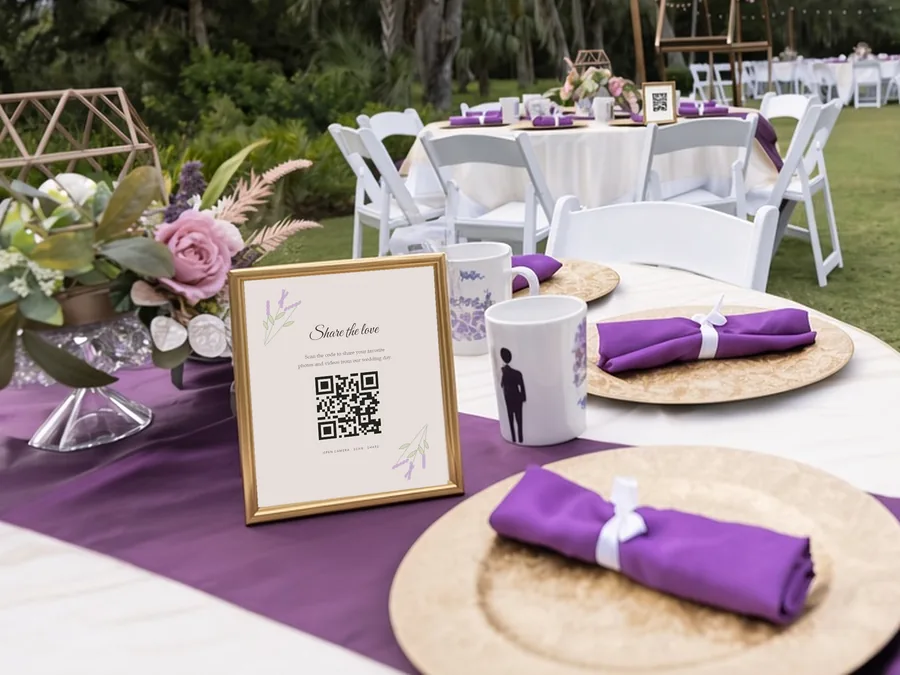
3 · Share
Drop the link in the group chat
Pin the upload link in the group chat, and print the QR code for the rental’s fridge, the welcome bags or the itinerary. The same QR code works on Friday’s flight, at Saturday’s dinner and through Sunday brunch. Once everyone’s home, download it all in full resolution or as a ZIP.
Ideas
Where to put your bachelorette QR code
One code covers the whole trip. Put it wherever the group checks in.
The group chat
Pin the upload link a week ahead with a simple ask, like “Every bach photo goes here, no app needed.”
The rental’s fridge
Print the QR code for the house, so it’s there every morning of the trip.
The welcome bags
Tuck a small card in with the itinerary and the snacks.
The dinner table
Re-share at natural breaks: arrival, dinner, the big night out and the last brunch.
Same plan
No extra charge for extra events. Party galleries use the plan you chose for your wedding gallery, with no extra charge. You can add up to 8 alongside your wedding-day gallery.
Give people prompts: our free photo scavenger hunt prints challenge cards that get people taking more than the same group selfie. And ask again on Monday. Plenty of the best photos get uploaded on the way home.
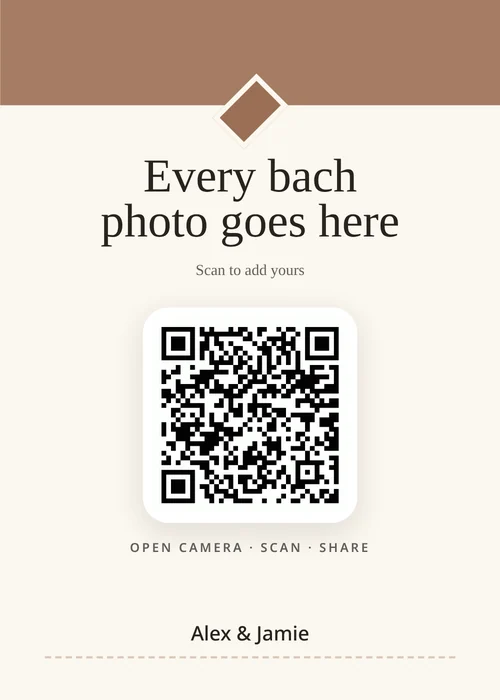
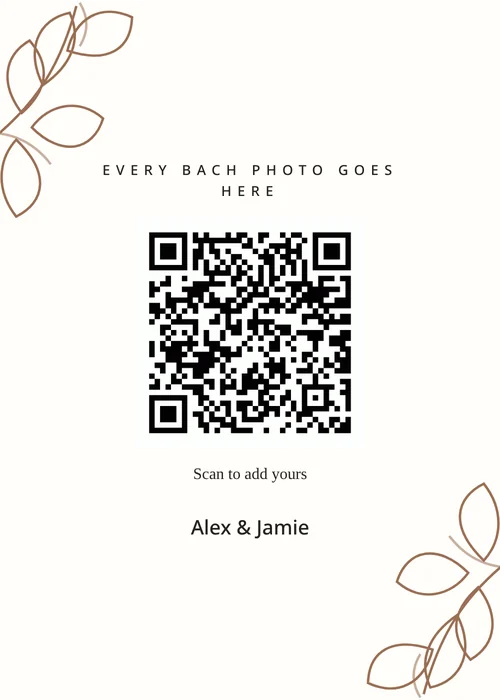
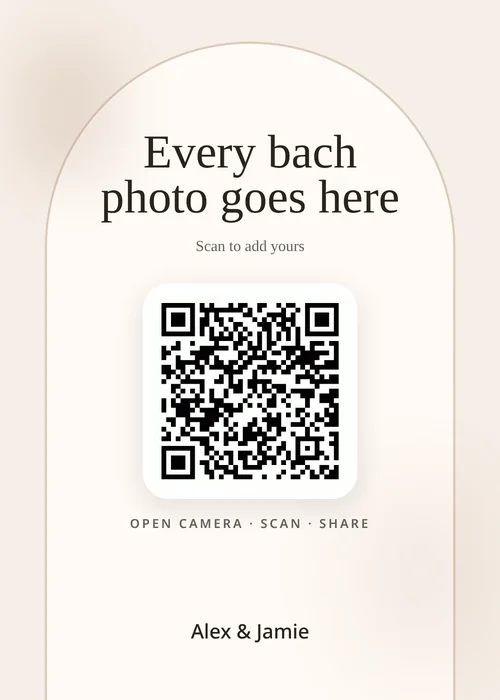
Your sign
A 5×7 sign with your party’s QR code
Pick from 16 sign designs and write your own headline and message, set an accent color, and choose classic, modern or cursive type. The QR code is built in. Print it yourself, or add 10 printed QR signs for $15 with free rush printing and tracked shipping on any plan.
Try the free QR sign makerTrip-friendly
Built for a bach trip, not just one night
- No app to install. Nobody has to download anything at the airport gate or make an account.
- Videos included on video plans. On the $29 plan and up, the group can upload videos too: the karaoke, the dance class, the toast at dinner.
- Voice and text messages. On the $39 plan, friends can leave voice or text messages for the bride-to-be. It makes a sweet surprise for the last morning.
- Your own name for it. Event galleries take a custom title, so the trip shows up the way the group talks about it.
- Separate from the wedding. Bach photos stay in the bach gallery and don’t get mixed into the photos Grandma sees from the reception.
For the maid of honor
Planning it as maid of honor? Getting the bach gallery set up
Most bachelorettes are planned by the maid of honor or a bridesmaid, not the bride. On Snap the Knot, though, the bachelorette gallery lives in the couple’s wedding account. That’s why it costs nothing extra. Here’s the simplest way to handle it:
- Ask the bride to add a Bachelorette gallery from her dashboard. She sends you the QR code or upload link, and you handle the group chat, the itinerary and the sign for the rental.
- Want to run it yourself? She can invite you from the “Invite spouse” page in their account menu. You’ll get full access to manage the wedding alongside the couple, including editing the bach gallery and downloading its photos. You’ll also be able to see the wedding gallery and everything else in the account. She can remove you later. The invite needs an email address that doesn’t already have a Snap the Knot account.
- She’s not on Snap the Knot yet? She starts by creating the wedding gallery with the couple’s names and wedding date, then adds the bachelorette from the dashboard.
Privacy
What happens at the bach stays in the gallery
By default, people can upload to the bachelorette gallery but can’t browse everyone else’s photos. Whoever manages the account sees everything first and decides what gets shared. When you’re ready, turn on a read-only shared link and add a PIN so only the group can open it, or, without a PIN, show it on the upload page so everyone can watch the album fill up during the trip. Anything that shouldn’t reach the in-laws can be deleted from the dashboard, and the bach gallery’s sharing settings are separate from the wedding gallery’s. Read more about privacy in QR photo galleries.
One honest note for maids of honor: event galleries live inside the couple’s wedding account. If the bachelorette is a surprise, plan with the bride-to-be, or set it up together, since she’ll be able to see the gallery.
Same plan, every party
Pricing
The bachelorette gallery has no separate price. It’s one of up to eight extra event galleries you can add under a wedding account, and it uses the same plan as the wedding gallery.
-
Photos
$19
Photos
-
Photos & Videos
$29
Photos and videos
-
Photos, Videos & Voice
$39
Photos, videos, and guest voice and text messages
-
The complete package
$59
Everything in Photos, Videos & Voice, plus 10 prints and 10 printed QR signs
Each plan is a one-time payment with no subscription. Galleries stay online until one year after the wedding date, and you can extend for $15 a year or $29 for three years. You can try your gallery with 5 free photo uploads before you pay. Full pricing details.
FAQ
Bachelorette photo sharing FAQ
How do I share bachelorette party photos with the whole group?
Add a Bachelorette event gallery and share its QR code or upload link. Everyone uploads from their phone browser into one private gallery, and you can share a read-only link with the group afterward, with a PIN if you like.
Do I need to make a wedding gallery first?
Yes. Party galleries live under a wedding gallery, so you create the wedding gallery first with the couple’s names and wedding date, then add the Bachelorette gallery from the dashboard. It’s free to try with 5 photo uploads.
Does one QR code work for a multi-day bachelorette trip?
Yes. The bachelorette gallery’s QR code and link keep working through the trip and afterward, as long as the wedding gallery is active, which is until one year after the wedding date.
Do friends need to download an app or make an account?
No. They scan the QR code with their phone camera or tap the link, and upload in the browser on iPhone or Android.
Can people see each other’s bachelorette photos?
Not by default. Guests can upload but can’t browse the gallery. You can turn on a read-only shared link, protect it with a PIN, or show the album on the upload page.
I’m the maid of honor. Can I set up the bachelorette gallery?
The gallery is added from the couple’s account, so ask the bride to add a Bachelorette gallery and send you its QR code or upload link. If you want to manage it and download the photos, she can invite you from the “Invite spouse” page in their account menu, which gives you full access to the wedding alongside the couple. The invite needs an email address that doesn’t already have a Snap the Knot account.
Can the bachelorette be a surprise from the bride?
Event galleries sit inside the couple’s wedding account, so the bride-to-be can see them. If you’re planning a surprise, set up the gallery with her, or let her in on the photo plan.
Can we upload videos?
Yes, on the $29 Photos & Videos plan or higher. The $39 plan adds voice and text messages.
More parties
Hosting the shower too? Here’s how a bridal shower QR code works. You can also give the engagement party and the rest of the wedding weekend their own galleries.
Start free
Give the bach its own gallery
Set up the wedding gallery, add the bachelorette, and put the link in the group chat before the first flight lands.
5 photo uploads free · No card needed