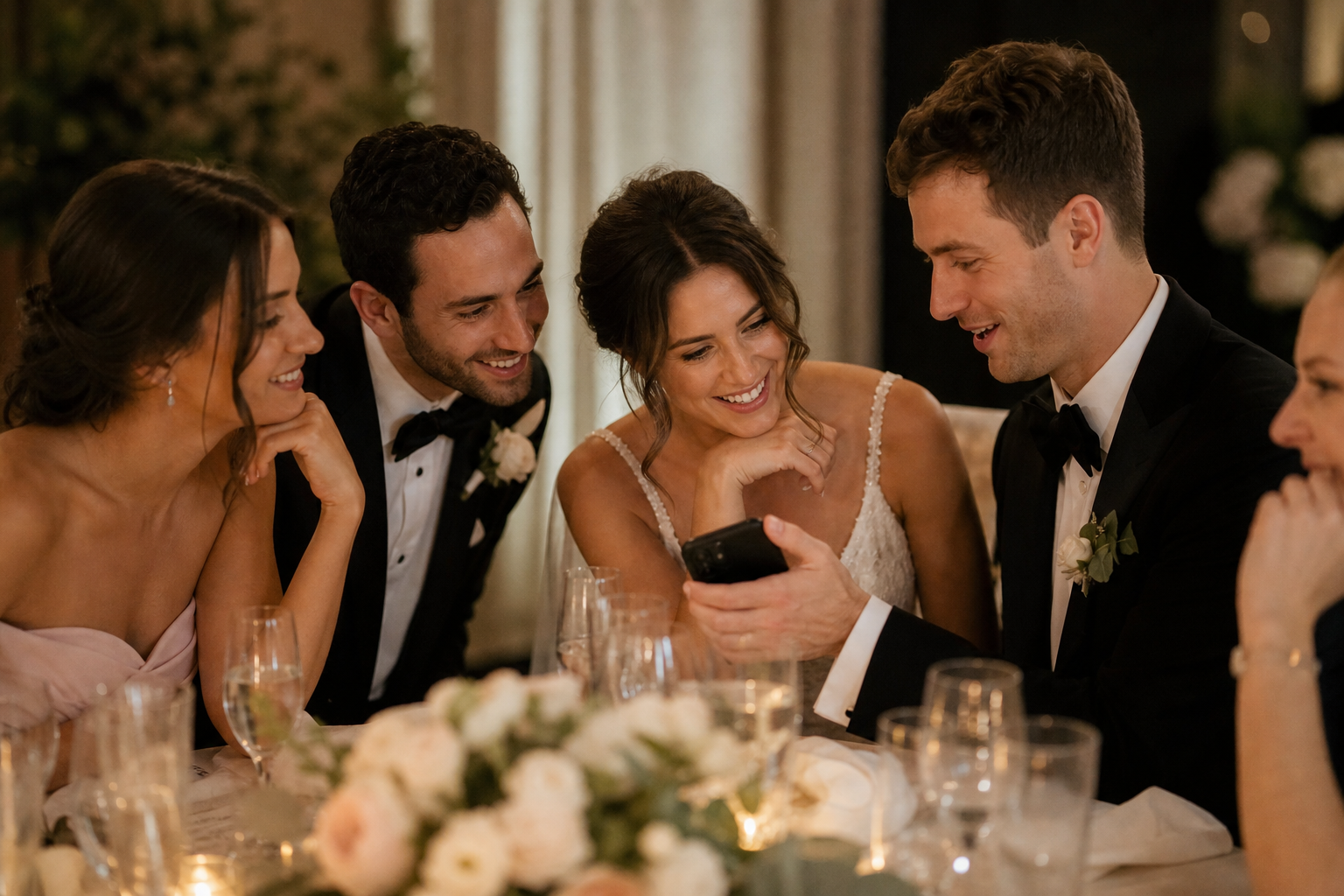
Wedding QR photo galleries can be private, but a QR code alone does not make a gallery private. Privacy comes down to where the code or link leads, who receives it, who controls the gallery, and what you tell guests about uploading and viewing photos. A thoughtful setup lets you collect candid guest photos and videos without turning your wedding memories into a public social feed.
For most couples, the goal is simple: make uploading effortless for invited guests while keeping the collected photos in a gallery controlled by the couple. The best approach is to use one private gallery for uploads, share its access points intentionally, and set expectations before the celebration begins.
What “private” should mean for a wedding photo gallery
Privacy is not one single setting. Before choosing a wedding photo-sharing method, decide what you want privacy to mean for your day. A gallery may be private because it is not searchable online, because only people with a specific link can reach it, because only the owners manage it, or because guests cannot browse every upload. Those are different needs, and it helps to separate them.
| Privacy question | Decision to make |
|---|---|
| Who can upload? | Choose whether any guest with the QR code or link can contribute during your event. |
| Who can view the gallery? | Decide whether it is only for you, for all invited guests, or for a smaller group after the wedding. |
| Who manages the collection? | Keep ownership and gallery controls with you or a trusted planner. |
| How widely is the link shared? | Use it on wedding materials intended for guests rather than posting it broadly online. |
| What happens after the event? | Set a review, download, and sharing plan so photos do not remain scattered across phones and messages. |
A private wedding photo gallery is especially useful if you want unfiltered moments from the dance floor, getting ready, cocktail hour, or family reunions without asking everyone to post those moments publicly. It also gives guests a direct destination for their files instead of relying on a social platform, a sprawling group chat, or a cloud folder they may never revisit.
How wedding QR code photo sharing usually works
A wedding photo QR code is simply a fast route to your upload page. Guests point their phone camera at the code, open the destination, and add photos or videos from their device. With Snap the Knot, guests can upload without downloading an app or creating an account, which removes a common barrier when you are asking a room full of people to participate.
That convenience is why placement and communication matter. Anyone who can access the code or direct link may be able to reach the gallery experience you have shared. Treat it like any other wedding detail intended for your invited group: distribute it in the places that make sense for attendees, such as welcome materials, table signage, or a private wedding website page.
Before your wedding, test the full guest journey yourself. Scan the printed QR code with a phone, open the link on mobile data rather than your home Wi-Fi, and make one test upload. Ask one person who was not involved in planning to try it too. If they can understand what to do in a few seconds, guests are much more likely to contribute.
Who can see wedding guest photos?
The answer depends on the gallery you create and the way you share it. Do not assume that upload access and viewing access are automatically the same thing. Instead, make a deliberate plan for each audience.
Option 1: Couple-only collection
Some couples want guests to contribute but prefer to review everything privately first. This can be a good choice for a wedding with children, a sensitive family situation, or simply a couple that wants time to curate memories before sharing them. You can later send a separate selection to guests, create an album for family, or keep the collection entirely for yourselves.
Option 2: A shared gallery for invited guests
A shared gallery can build momentum during a multi-day celebration, particularly if you want people to see candid moments from different parts of the day. It also works well when your family and friends enjoy seeing each other’s perspective. If you choose this route, explain clearly that uploads may be visible to other guests.
Option 3: A private collection with selected public sharing
You can collect broadly, then share only chosen photos later. This is often the most flexible plan: it gives you a fuller record of the weekend while allowing you to decide what is appropriate for thank-you messages, social posts, printed albums, or a post-wedding recap.
Snap the Knot provides a private wedding gallery along with owner controls, so couples can keep the collection centered in one place and manage how they use it. Explore the available setup options on the features page before deciding which sharing approach fits your event.
A practical privacy plan before you create your QR code
- Choose one gallery owner. Decide whether one partner, both partners, a planner, or a trusted family member will be responsible for the gallery. That person should know where the gallery details are stored and be the point person for any questions.
- Separate wedding-weekend events when helpful. A bridal shower, bachelor or bachelorette party, rehearsal dinner, and wedding reception can have very different guest lists and privacy expectations. Separate event galleries can keep each collection relevant and prevent an intimate pre-wedding gathering from being mixed into the main wedding gallery.
- Keep upload materials guest-focused. Put the code and a short instruction where invited people will see it. Avoid sharing the upload link in a public social post if you want to limit access to your wedding community.
- Tell guests what you are collecting. Mention whether you welcome both photos and videos, whether guests can expect to view the gallery, and whether you may share favorites later.
- Plan a post-wedding review. Put a reminder on your calendar for the week after the wedding. Review the collection while names, moments, and context are still fresh, then download the files you want to preserve.
Wedding photo sharing consent: small choices that make guests more comfortable
Most guests will be happy to contribute, but a simple consent-minded approach makes the experience better for everyone. You do not need a long legal notice on every table. A few considerate choices are enough.
- Use friendly wording that makes uploading optional rather than mandatory.
- Let guests know if their photos might be visible to other attendees.
- Do not pressure people to photograph private moments, emotional conversations, or children.
- Ask close family members before sharing sensitive images publicly after the event.
- Give guests an easy way to flag a photo they would rather not have shared beyond the gallery.
This matters even more for destination weddings, cultural celebrations, or events with guests who have different comfort levels around social media. A private collection gives you room to preserve the moment without assuming every image belongs in a public post.
How to word a privacy-conscious upload sign
Your sign only needs to answer three questions: what should guests do, what can they add, and what should they expect. Keep it warm and short enough to read while someone is walking past a table.
Share your favorite moments with us Scan to add photos and videos to our private wedding gallery. Thank you for helping us remember the day from every angle.
If guests will be able to browse uploads, make that clear:
Help us fill our shared wedding gallery Scan to upload your photos and videos, and enjoy the candid moments our guests capture throughout the day.
For more placement ideas and a clear walkthrough of the QR-code process, visit Wedding Photo QR Code. The key is to match the wording to your actual sharing plan rather than promising privacy or access you have not decided on.
Common privacy mistakes to avoid
Posting the upload link publicly before the wedding
Public posting can be useful when broad participation is the goal, but it is not the right default for a private wedding gallery. Start with guest-facing wedding channels instead. You can always widen distribution later if you choose.
Using the same gallery for every wedding event
One gallery is convenient, but it can make it harder to keep different groups and different occasions organized. Consider separate galleries when events have distinct attendees or a more personal atmosphere.
Not explaining what happens after guests upload
Guests are more likely to participate when they know the purpose. A short explanation—“we’ll download these after the wedding” or “we’ll share favorites later”—sets expectations and reinforces that their contribution matters.
Forgetting to download and preserve the collection
A gallery is a collection point, not the end of your preservation plan. Download your photos and videos, keep copies in your preferred long-term storage, and consider organizing favorites while you still remember who captured them and when.
Choosing a setup that feels right for your wedding
There is no universal answer to how private a wedding gallery should be. A small backyard wedding may call for a close-knit shared gallery. A large reception may work better with couple-managed collection and a curated recap afterward. The useful question is not whether every photo is locked away from everyone else; it is whether you have intentionally chosen who can participate, who can view the results, and how the memories will be used.
If you want an easy way to collect guest photos and videos in a private gallery without requiring an app or account, you can try a free Snap the Knot gallery before committing. When your plan is ready, review one-time plan options and create a sharing experience that feels comfortable for you and your guests.
Ready to set one up? Follow our step-by-step guide to a private wedding photo sharing gallery for guests.