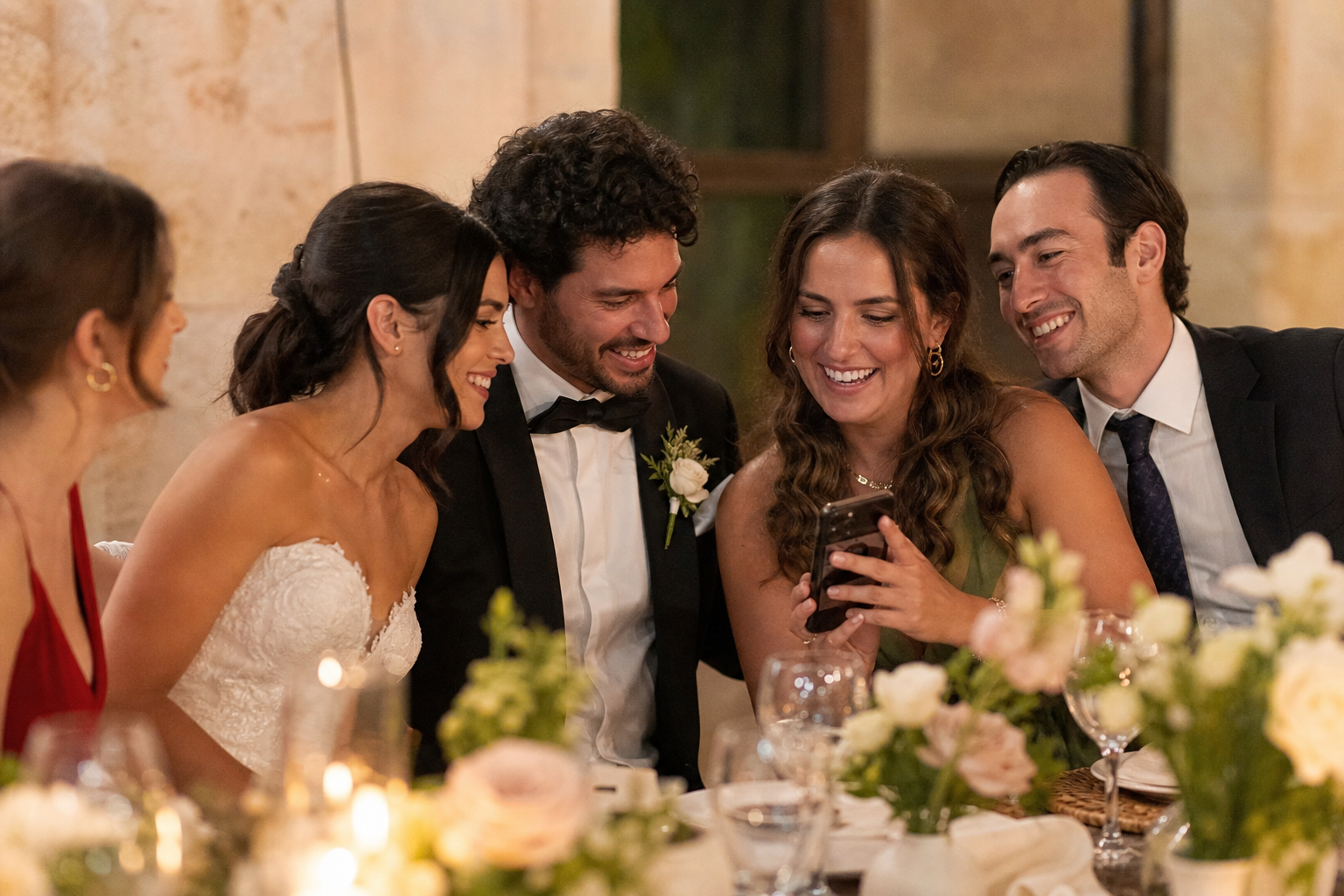
The simplest wedding guest photo upload plan is this: give guests one link or QR code, tell them exactly what to do in one sentence, mention it at the right moments, and send one friendly reminder afterward. The goal is not to turn guests into photographers. It is to make sharing the photos and videos they already take feel effortless.
A clear instruction can be as short as: “Scan the code, choose photos or videos from your phone, and upload them to our private gallery - no app needed.” When guests understand the action and can complete it in a minute, you are far more likely to receive those in-between moments: a friend’s reaction during speeches, grandparents on the dance floor, or a quick video from the exit.
This guide explains how to write wedding guest photo upload instructions, where to share them, and how to follow up without making your celebration feel like a task.
Start with one easy upload destination
Before writing a sign, deciding on table cards, or asking your DJ for an announcement, choose one place where every guest should send their files. Multiple links, folders, and instructions create hesitation. A single destination gives guests a clear answer to “Where do I put this?”
With Snap the Knot, guests can scan a QR code or open a link and upload from their phones without downloading an app or creating an account. Their submissions go to a private wedding gallery that you control, and you can download the photos and videos you collect. You can explore the practical setup in the wedding photo QR code guide.
Test your guest journey before you print anything. Open the link on a phone that is not signed in to your account. Scan the QR code from the size and distance you expect guests to use. Then try uploading one photo and one short video. This quick rehearsal helps you spot a blurry code, an outdated link, or confusing sign language before the wedding day.
Write instructions guests can follow at a glance
Your guest-facing message should answer three questions immediately: what to do, what to share, and why it matters. Avoid technical language such as “contribute media assets” or a long explanation of how the gallery works. Guests are likely reading while greeting someone, holding a drink, or waiting for dinner.
Use this three-part formula
- Action: Tell guests to scan the QR code or open the link.
- Content: Ask for photos and videos from the day.
- Reason: Explain that you would love to see the celebration through their eyes.
For example:
We’d love your candid photos and videos! Scan the code, select favorites from your phone, and add them to our wedding gallery. No app required.
That is enough for most signs. If you want a slightly more playful version, keep the instruction just as direct:
Help us see the party from every angle. Scan, upload your best photos and videos, and let us relive the fun!
Do not ask guests to upload “everything” unless you truly mean it. A request for favorites often feels more manageable, particularly for guests with many images on their phones. You can also invite specific types of contributions, such as dance-floor videos, table selfies, or behind-the-scenes getting-ready shots.
Put the instructions in the places guests naturally pause
A wedding photo upload station does not need to be a dedicated table with equipment. It can simply be a well-placed QR code and a concise message. The best locations are places where guests have a moment to notice, scan, and act.
| Wedding moment | Best use for your upload message | What to say |
|---|---|---|
| Before the wedding | Wedding website, email, or group message | Save the link and share your favorite photos from the weekend. |
| Cocktail hour | Bar sign, welcome display, or seating-chart area | Take photos today? Add them to our gallery here. |
| Reception tables | Small table card or menu insert | Scan to share candid photos and videos with the newlyweds. |
| During dancing | DJ announcement and nearby sign | Got a great dance-floor shot? Upload it before you leave. |
| After the wedding | Thank-you message | One last call: please add any favorites from our wedding day. |
Choose two or three placements rather than putting a code on every surface. Repetition is helpful, but visual clutter is not. A welcome sign plus table cards, for example, covers both early arrival and seated downtime. For more placement ideas, see Snap the Knot’s gallery features and consider which parts match your event flow.
Tell guests about uploads before they arrive
A pre-wedding note makes the request feel expected rather than surprising. Include the gallery link in a short message one to three days before the wedding, especially if you are hosting several events. Guests can bookmark it and understand ahead of time that you welcome their candid photos.
Keep the pre-event note warm and optional. For example:
We cannot wait to celebrate with you this weekend. If you take any favorite photos or videos, we’d love for you to add them to our private gallery. Save this link now so it is easy to find later: [link].
If you have a bridal shower, rehearsal dinner, or welcome party, separate event galleries can help keep each gathering distinct. That way, guests at a smaller event have a relevant place to upload, while you still have one organized collection for each part of the celebration.
Make one announcement at the right time
A live mention is useful because it reaches people who skipped the sign or forgot the earlier message. Still, timing matters. Do not interrupt a meaningful ceremony moment or make a long announcement that sounds like housekeeping.
Ask your DJ, MC, planner, or a trusted friend to make a 10-second reminder after dinner, during the transition into dancing, or shortly before the exit. This is often when guests have taken enough pictures to share and have their phones in hand.
Quick reminder from the couple: if you captured any great photos or videos tonight, scan the QR code on your table to add them to their gallery. They would love to see the night through your eyes.
If you use the Live Image Wall, guests may be especially motivated to participate when they can see images appearing during the reception. Keep a nearby upload instruction visible so the next step is obvious.
Plan for guests who do not upload immediately
Many guests will take photos during the wedding and fully intend to share them later. Then travel, work, and everyday life take over. A single post-wedding reminder is not pushy; it is a practical way to collect photos that otherwise stay buried in camera rolls.
Send it two to five days after the wedding, while the event is still fresh. Include the direct gallery link rather than only an image of a QR code, since people will probably open the message on the same phone holding their pictures.
Thank you for celebrating with us! We are still smiling about the weekend. If you snapped any photos or videos, we would love to add them to our gallery: [link].
You can send this in your thank-you email, a wedding website update, or a group message used for the event. Keep it to one reminder. Guests who have something to contribute will appreciate the easy link; guests who do not will not feel pressured.
Give a few people a special role
Not every guest needs a personal assignment, but a handful of enthusiastic friends can fill gaps your professional photographer may not be focused on. Think about the people who love documenting a night out, know both families well, or will be present for the getting-ready portion of the day.
- Ask one friend to capture a few short dance-floor videos.
- Ask a sibling to photograph family members visiting from out of town.
- Ask a member of the wedding party to take behind-the-scenes photos before the ceremony.
- Ask someone at the farewell to collect candid guest goodbyes.
Frame these as invitations, not obligations. Your professional photographer remains responsible for the planned coverage; guest uploads complement that work with spontaneous perspectives. Wedding photographers who want to offer a guest gallery alongside their services can find details on photo sharing for wedding photographers.
Common wedding guest photo upload mistakes to avoid
- Using only a QR code with no instruction. A code does not explain what guests should upload or why.
- Making the sign too wordy. Let the code and one clear sentence do the work.
- Sharing several collection links. One main destination reduces confusion.
- Waiting until weeks later to remind guests. Send your follow-up while photos are still easy to find.
- Forgetting to test the experience. Test the exact link and printed code yourself on a mobile phone.
- Assuming every guest sees one sign. Use a pre-event link, a visible reception placement, and one announcement.
A simple checklist for your photo collection plan
- Create your private gallery and test an upload on a phone.
- Write one short guest instruction using the action-content-reason formula.
- Place your QR code or link in two or three high-visibility spots.
- Share the link in a brief pre-wedding message.
- Arrange one reception reminder with your DJ, MC, planner, or a friend.
- Send one thank-you follow-up with a clickable link.
- Download your collected photos and videos when you are ready to keep them.
A good wedding guest photo upload request is clear, convenient, and considerate of your guests’ time. If you want to try the flow before committing, you can start a free gallery, test it with a few friends, and choose a one-time plan later if it fits your wedding.