The best wedding guest photo sharing etiquette is simple: tell guests when photos are welcome, when phones should stay away, whether social posting is okay, and where to share the pictures they take. A few clear instructions let guests be present while still helping you collect the candid moments your photographer cannot capture from every corner of the day.
You do not need a long list of rules. Choose a photo policy that reflects your comfort level, share it before the wedding and once or twice on the day, then give guests one easy place to upload. A private gallery is especially useful because it separates “please share this with us” from “please post this publicly.”
Decide what you actually want guests to do
Before writing a sign or adding a note to your wedding website, agree on the basics as a couple. Many awkward guest-photo situations happen because the couple has not decided what “sharing photos” means to them.
Talk through these four questions:
- During the ceremony: Are phones away completely, allowed only from seats, or welcome?
- At the reception: Do you want guests to take candid photos and videos freely?
- On social media: May guests post in real time, should they wait until after the ceremony, or should they keep images off social platforms altogether?
- For private sharing: Where should guests send their best photos and videos to you?
There is no universally correct answer. An unplugged ceremony can coexist with a lively, photo-friendly cocktail hour. You can welcome uploads to a private gallery while asking guests not to post a particular family member’s child online. Specificity is more helpful than trying to create one rule for every moment.
A balanced wedding photo policy most guests understand
For many couples, the easiest policy is: phones away for the ceremony; candid photos welcome at the reception; upload favorites to the couple’s gallery; ask before posting photos that could feel personal or unflattering.
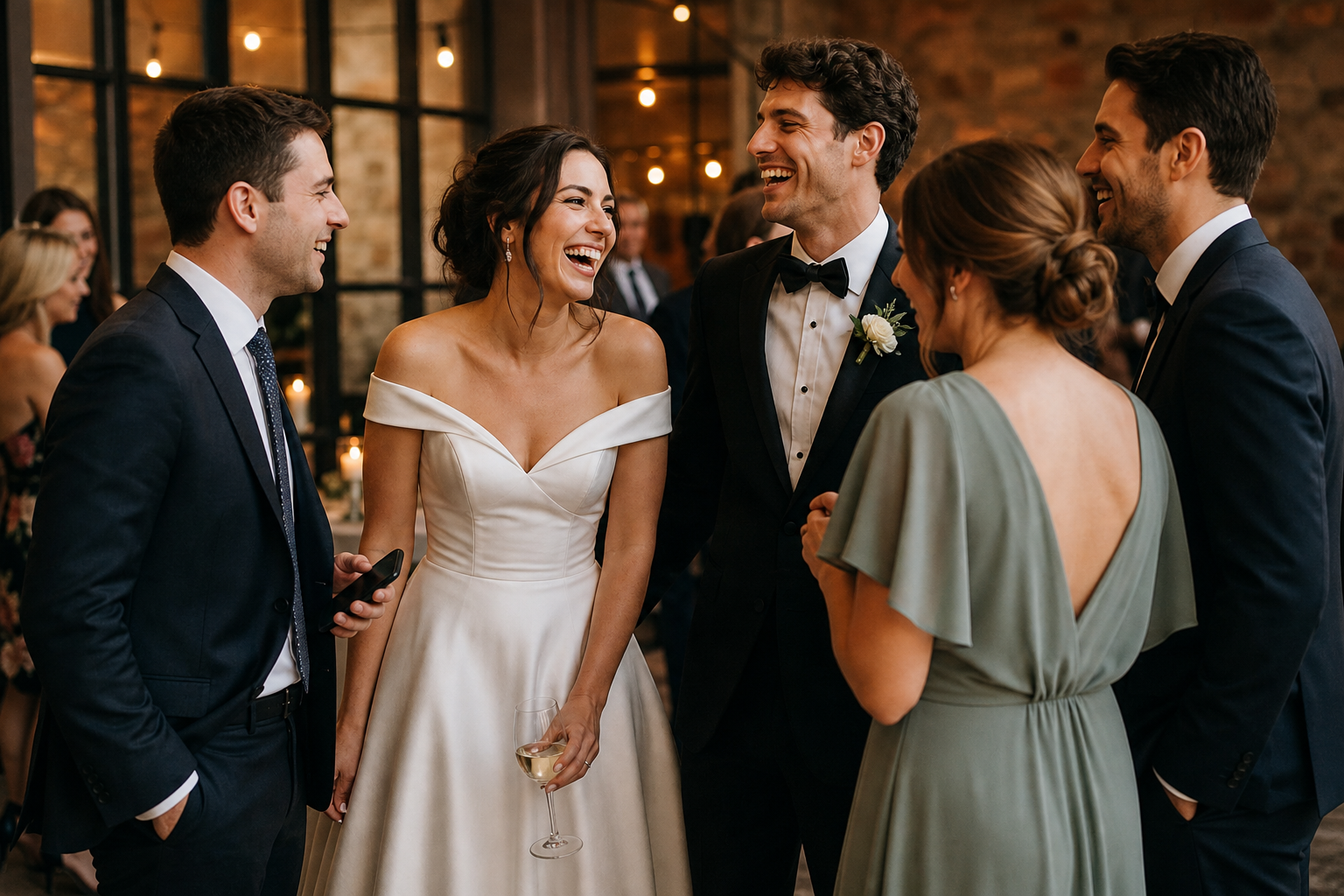
This approach protects the ceremony experience and gives your hired photographer a clear view. It also invites the spontaneous reception images that often become favorites later: a grandparent laughing during toasts, friends reuniting at a table, the dance floor from a guest’s perspective, or a behind-the-scenes moment while you are greeting relatives.
If you are using a QR-based gallery, guests can scan a code or open a link, then upload without downloading an app or creating an account. With Snap the Knot, uploads go to a private wedding gallery that you control, and you can download the photos and videos you collect. See the available gallery features before deciding how you want guests to participate.
Handle ceremony photos with kindness and clarity
An unplugged ceremony request is not a criticism of guests. It is a request for their attention, and it helps prevent screens, raised arms, and accidental aisle obstructions in your professional photos.
Put the request where guests will see it: on your wedding website, in a program if you are using one, and on a small sign at the ceremony entrance. Your officiant can also make a brief announcement immediately before the processional.
Unplugged ceremony wording
We invite you to be fully present with us during our ceremony. Please silence and put away phones and cameras. We cannot wait to share our professional photos with you afterward.
If you want a softer version, make room for one planned photo moment:
Please keep phones away during our ceremony and save the aisle for our photographer. We will invite everyone to take a quick photo after the ceremony before the celebration begins.
Importantly, an unplugged ceremony does not mean guests cannot contribute photos at all. Follow the ceremony request with a clear reception invitation, so people know exactly when their cameras are welcome.
Set social media rules before the first post
Social posting is often the part of wedding photo etiquette that deserves the clearest language. Some couples love seeing their day unfold through friends’ posts. Others want to share the news and first portraits themselves. Both preferences are reasonable.
| Your preference | A clear request for guests |
|---|---|
| Post freely | “We would love to see your photos, please tag us and use our wedding hashtag.” |
| Wait until after the ceremony | “Please wait to post until after our ceremony. Then share away!” |
| Keep photos private | “Please keep photos from our wedding off social media and share them with us privately instead.” |
| Protect particular guests | “Please ask before posting photos of children or anyone who has requested privacy.” |
Do not assume every guest knows your preference from a hashtag alone. A hashtag encourages public posting; it does not tell guests whether they should wait, avoid sharing ceremony photos, or respect privacy requests. State the rule directly.
Make private uploading easier than texting photos later
When guests have no clear upload destination, photos tend to scatter across text threads, social apps, camera rolls, and good intentions. Weeks later, you may be asking people individually to send the images they meant to share.
A private gallery gives guests a simple alternative: scan, select, upload. Put the QR code and a short instruction where it makes sense during the reception, such as near the guest book, at the bar, by the card table, or on reception tables. The key is not to turn every surface into a sign; it is to place a few reminders where people naturally pause.
Keep the wording focused on the action you want:
Captured a favorite moment? Scan to add your photos and videos to our private wedding gallery.
For an even clearer privacy cue, try:
Please share your photos with us here rather than posting them publicly. We would love to see the day through your eyes.
Snap the Knot offers QR uploads and shared galleries, while owner controls keep the gallery in the couple’s hands. You can test a gallery with 5 free photo uploads before the wedding, which is a practical way to make sure the upload flow feels easy to you and a few trusted guests.
Respect consent when you share the gallery later
Photo etiquette continues after the wedding. Just because a guest uploaded an image to your private gallery does not always mean they expect it to be posted publicly, printed, or sent widely without context.
Use extra care with images that show:
- Children, especially if their parents limit online sharing
- Guests who are visibly uncomfortable, caught mid-meal, or in an unflattering candid moment
- Emotional family moments that feel personal rather than celebratory
- Anyone who has asked not to appear on social media
If you are unsure, ask. A short message “We love this photo of you and would like to share it. Are you okay with us posting it?”, is considerate and easy. The same courtesy applies when passing guest photos to vendors or adding them to a public album.
Give your photographer and planner the same plan
Your guest photo policy works best when your wedding team knows it. Tell your photographer whether the ceremony is unplugged and whether you plan to collect guest uploads. They can help preserve a clear aisle and may point out good moments for guests to take their own pictures.
If you have a planner or coordinator, ask them to place the signs and remind the DJ, band, or officiant of any announcement. This is not about policing your guests. It is about ensuring your request is communicated consistently, so you do not need to manage it yourselves.
Guest uploads complement professional coverage rather than replace it. Your photographer is responsible for the polished record of the day; guests add candid perspectives and small moments from the room. If your photographer wants to offer a branded guest gallery as part of their service, they can learn more at Snap the Knot for wedding photographers.
A simple communication timeline
- One to two months before: Add your ceremony and social-posting preference to your wedding website.
- One week before: Mention the photo plan in a welcome email if you are sending one, especially for a wedding weekend.
- At the ceremony: Display an unplugged request and ask the officiant to make a brief reminder.
- At the reception: Display your private gallery QR code with one friendly upload instruction.
- After the wedding: Download your collected photos and videos, thank guests, and share only the images you are comfortable making public.
Keep the tone warm, not controlling
The most effective wedding photo sharing rules read like an invitation, not a warning. Explain what you would love guests to do instead of only listing what they should not do. “Be present for the ceremony, then help us capture the party” feels welcoming and gives people a role in preserving the day.
Once you have chosen your boundaries, make the private-sharing step easy enough that guests can follow through in the moment. Explore Snap the Knot pricing when you are ready to choose a gallery option for your celebration.