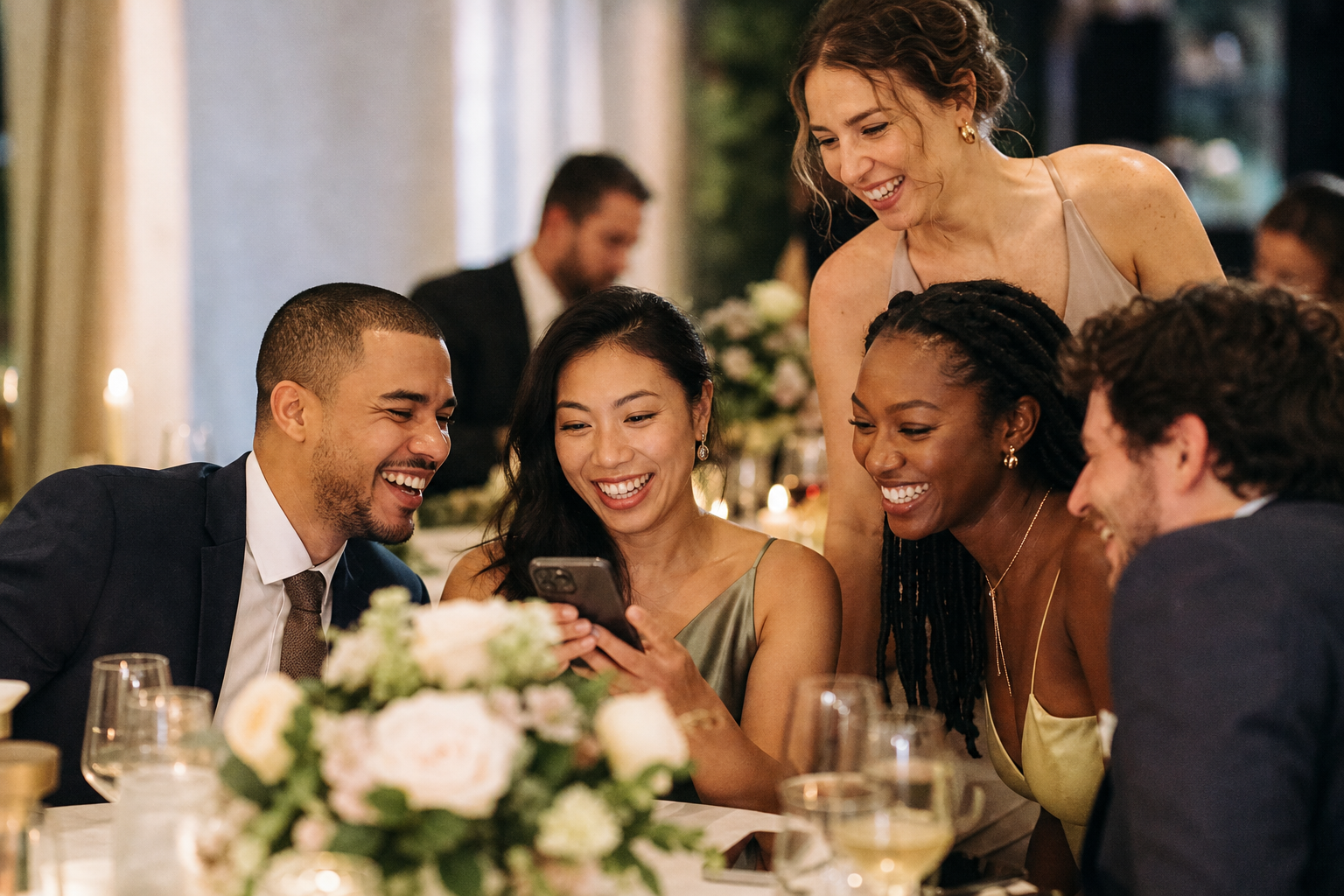
The simplest way to collect wedding photos without an app is to give guests one browser-based upload link, make it easy to find with a QR code, and remind them once after the celebration. Guests scan, choose photos or videos from their phones, and upload. There is no app download, new account, or complicated album invitation standing between a great candid moment and your collection.
This approach is especially useful when your guest list includes a mix of tech comfort levels. Some people will happily use any new app; others will save the task for later, or skip it entirely, if they have to create an account first. An app free setup keeps the request small: open the link, select files, upload.
Here is a practical plan for collecting the candid photos and clips your guests take, while keeping the process easy for them and manageable for you.
Choose one home for every guest upload
Before making signs or writing messages, decide where every guest should send their files. The biggest source of confusion is not the QR code itself; it is having too many places to upload. If some guests text photos to a family member, others email them, and others use a social platform, you are left chasing duplicates and missing files.
A single gallery with one upload link gives guests a clear destination. With Snap the Knot, guests can open the link or scan a QR code and upload without downloading an app or creating an account. The couple receives a private gallery where they can collect and download the photos and videos.
Keep your guest-facing request focused on that one action. You do not need to explain every detail of the gallery. Guests only need to know what to do and why it matters.
“We’d love to see the day through your eyes. Scan the code or use the link to add your favorite photos and videos.”
If you are still deciding on a setup, review the available gallery features before you share anything with guests.
Make the upload link easy to access in more than one way
A QR code is helpful because it turns a printed sign into a direct route to the upload page. But a strong app-free wedding photo sharing plan also includes a written link for guests who prefer to type, tap, or open it later.
Use both formats consistently:
- QR code: Put it on signs and table cards where guests naturally pause.
- Short written link: Include it in your wedding website, digital itinerary, or a post-wedding message.
- One clear label: Use the same wording everywhere, such as “Add your photos & videos.”
This is not about covering every surface at the venue. It is about giving guests a convenient way to participate at the moment they are most likely to do it. Put one sign near the guest book, card box, or bar; add table cards if your reception layout makes them useful; and include the link in a follow-up message.
For the setup basics, see how a wedding photo QR code works. Test the code on more than one phone before printing so you know it opens the intended gallery.
Ask at the right moments, not all day long
Guests are more likely to upload when the request arrives at a natural pause. Repeating it constantly can make it feel like a task, while waiting too long can mean photos get buried in busy camera rolls.
A simple three-moment plan works well:
- Before the wedding: Add a brief note to your wedding website or event details. This plants the idea that you welcome candid photos.
- During the reception: Display the QR code where people can scan it without interrupting the ceremony, dinner, or dancing.
- After the wedding: Send one warm thank-you message with the upload link and a gentle deadline you choose.
The post-wedding reminder is important. Many guests take photos and intend to share them, but leave the event, travel home, and move on. A short note delivered while the day is still fresh is often the nudge they need.
Sample pre-wedding wording
“We’re excited to celebrate with you! We’d love any candid photos or short videos you capture. You’ll be able to add them using our photo link at the reception.”
Sample reception sign wording
“See something sweet, silly, or unforgettable? Add your photos & videos to our wedding gallery.”
Sample post-wedding reminder
“Thank you for celebrating with us. If you took photos or videos, we’d love to have them in our gallery. Please add your favorites here: [link]. We can’t wait to relive the day through your camera roll.”
Keep each message personal and brief. Guests do not need a long set of instructions if the link opens directly to a clear upload experience.
Give guests a reason to share the moments you cannot see
Your professional photographer documents the wedding with intention and expertise. Guest photos serve a different purpose: they show the day from many seats, conversations, dance-floor corners, and behind-the-scenes moments. Telling guests what kinds of memories you hope to see makes the request more meaningful than “send us your photos.”
You might invite them to upload:
- Arrivals and reunions before the ceremony
- Funny dance-floor clips
- Table-group photos and selfies
- Details they noticed, such as flowers, stationery, or a favorite dessert
- Quiet candid moments with grandparents, siblings, and friends
- Short videos of speeches, toasts, or happy reactions
Do not turn this into a strict shot list unless you are hosting a photo scavenger hunt. A few examples simply help guests understand that imperfect, in-the-moment images are welcome. That reassurance is often what brings out the most personal contributions.
Keep the process comfortable for every generation
“Without an app” does not mean “without any guidance.” A guest who rarely scans QR codes may need a visible written link or a little help from a family member. Make participation flexible rather than assuming everyone will use the same route.
| Guest situation | Helpful option |
|---|---|
| Ready to share during the reception | Scan the QR code on a sign or table card. |
| Prefers to upload later | Use the written link in your thank-you message. |
| Has a phone but dislikes new apps | Emphasize that no download or account is needed. |
| Needs help with technology | Ask a trusted sibling, wedding party member, or planner to offer occasional assistance. |
It also helps to have one person—not the couple—who knows where the signs are and how the gallery works. That person can answer a quick question if needed, leaving you free to enjoy your wedding.
Plan for photos and videos from the start
Photos are easy to think about, but videos can be some of the most emotional guest contributions: a few seconds of the first dance, a lively chorus on the dance floor, or a reaction after a toast. If you want both, say so on the sign and in your reminder. Guests may otherwise assume you only want still images.
Snap the Knot offers a Photos plan for $19 and a Photos & Videos plan for $29. The Photos, Videos & Voice plan is $39 and adds private guest voice and text messages. The complete package is $59 and includes everything in Photos, Videos & Voice, plus 10 prints and 10 QR signs with free U.S. shipping. You can compare the options on the pricing page.
Gallery access lasts until one year after the wedding date, and couples can download their collected photos and videos to keep. If you want to try the workflow before committing, you can test a gallery with five free photo uploads.
Separate wedding-weekend events when it will reduce clutter
If you are hosting several gatherings, consider whether one gallery will feel crowded. A bridal shower, rehearsal dinner, welcome party, bachelor or bachelorette party, and wedding day can all generate different kinds of memories. Separate event galleries can make it easier to revisit each occasion later and prevent wedding-day photos from being mixed with every other celebration.
This is most useful when different groups attend different events. For example, your rehearsal dinner attendees can receive one link, while your full wedding guest list sees the main wedding gallery. You do not need separate galleries for every small gathering; use them when the distinction will genuinely help you and your guests.
Do a five-minute test before you print or share
Most avoidable problems are caught with a quick test. Open your gallery on your own phone, scan the printed or digital QR code, and try a sample upload. Then ask one other person to do the same without coaching. If they hesitate, simplify the wording or placement.
- Check that the QR code opens the correct gallery.
- Confirm the instruction is readable from a comfortable distance.
- Make sure the sign says whether you want photos, videos, or both.
- Verify that the written link is correct wherever it appears.
- Choose who will bring and place signs at the venue.
Snap the Knot supports owner controls and a Live Image Wall, so you can shape how your shared gallery is used during the celebration. If you would rather not make your own signage, every plan can add 10 printed QR signs for $15 with free rush printing and tracked shipping. Extra signs are available in the shop for $2 each.
A low-pressure way to gather more of the day
The best system is not the one with the most instructions. It is the one guests can understand in seconds, use on their own phones, and return to when they have time. One app free upload link, a visible QR code, a warm request, and one reminder afterward are enough for most weddings.
When you are ready, set up a gallery, test it with a few uploads, and give your guests an easy place to share the moments you might otherwise miss.