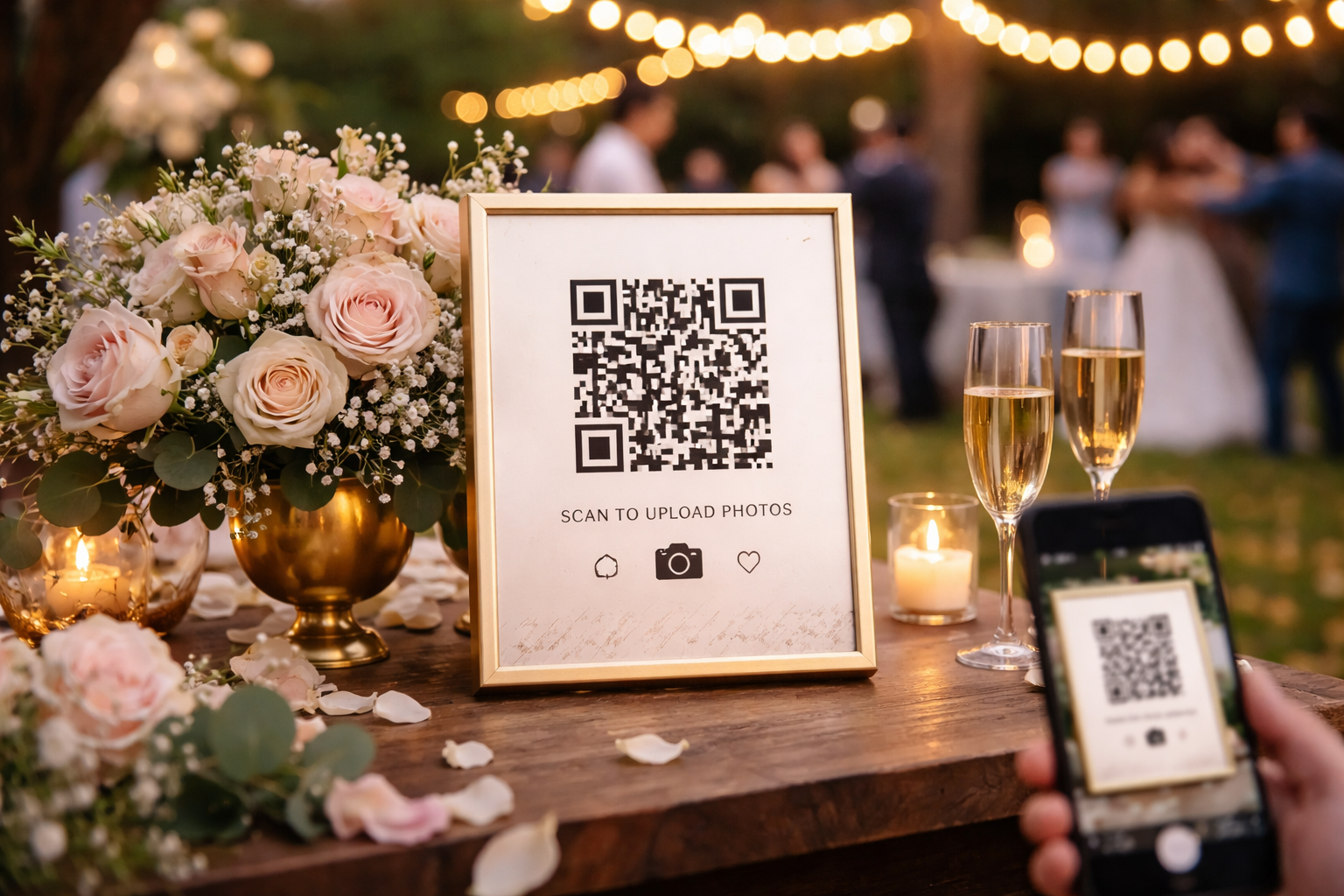
Your wedding day goes by fast, but the photos don’t have to. Collect your wedding photos from guests, easily.
Between your professional photographer, friends snapping candids, and family capturing moments you didn’t even see, there are hundreds (sometimes thousands) of photos floating around after your big day.
The problem?
They’re scattered across phones, group chats, and social media, and you’ll probably never see most of them.
Snaptheknot.com is here to fix that!
The Problem with Traditional Wedding Photo Sharing
Most couples try one of these:
- ❌ Group chats (photos get buried or compressed)
- ❌ AirDrop chaos during the reception
- ❌ Google Drive or Dropbox links (low participation)
- ❌ Wedding apps (guests don’t download them)
Even popular wedding platforms focus on planning, not collecting real-time guest photos.
Bottom line:
If it’s not instant and easy, guests won’t do it.
The Simple Solution: A QR Code for Wedding Photos
Imagine this:
Guests walk into your reception…
They see a sign…
They scan a QR code…
📸 And instantly upload photos to your private gallery.
No apps. No logins. No confusion.
That’s exactly how Snap the Knot works.
- Guests scan → upload in seconds
- Photos appear live during your wedding
- Everything is stored in one place
- You get full-resolution downloads for a year.
Why Couples Are Switching to QR Code Photo Sharing
Here’s why this approach is blowing up:
1. Higher Guest Participation
No downloads = more people actually upload photos.
2. Real-Time Memories
Photos show up instantly while your wedding is happening.
3. One Organized Gallery
No more chasing people for pictures after the wedding.
4. Private & Secure
Only your guests can view and upload to your gallery ()
How to Set It Up in 5 Minutes
- Create your gallery
- Get your custom QR code
- Print and display it at your wedding
- Let guests upload photos instantly
That’s it.
Pro Tip: Use QR Code Signs Around Your Venue
This is where most couples miss out 👇
If guests don’t see the QR code, they won’t use it.
That’s why signage matters.
👉 Check out our ready-to-print designs here:
SnapTheKnot Store
Popular options include:
- Table signs
- Bar signs
- Welcome signs
- Custom wedding designs
These make it obvious, and fun, for guests to participate.
Where to Place Your QR Code Signs
For maximum uploads, place signs:
- On every reception table
- At the bar
- Near the dance floor
- At the guest book table
- On your welcome sign
More visibility = more photos.
What You’ll Get After Your Wedding
Instead of hunting down photos…
You’ll have:
✔ Every candid moment in one place
✔ A full gallery of guest perspectives
✔ Easy downloads for albums and sharing
✔ Memories you didn’t even know existed
Final Thoughts
Your photographer captures the big moments.
Your guests capture everything else.
Don’t let those memories disappear into group chats.
👉 Start your gallery here:
Create your Snap the Knot gallery
And don’t forget to grab your QR code signs to maximize participation.