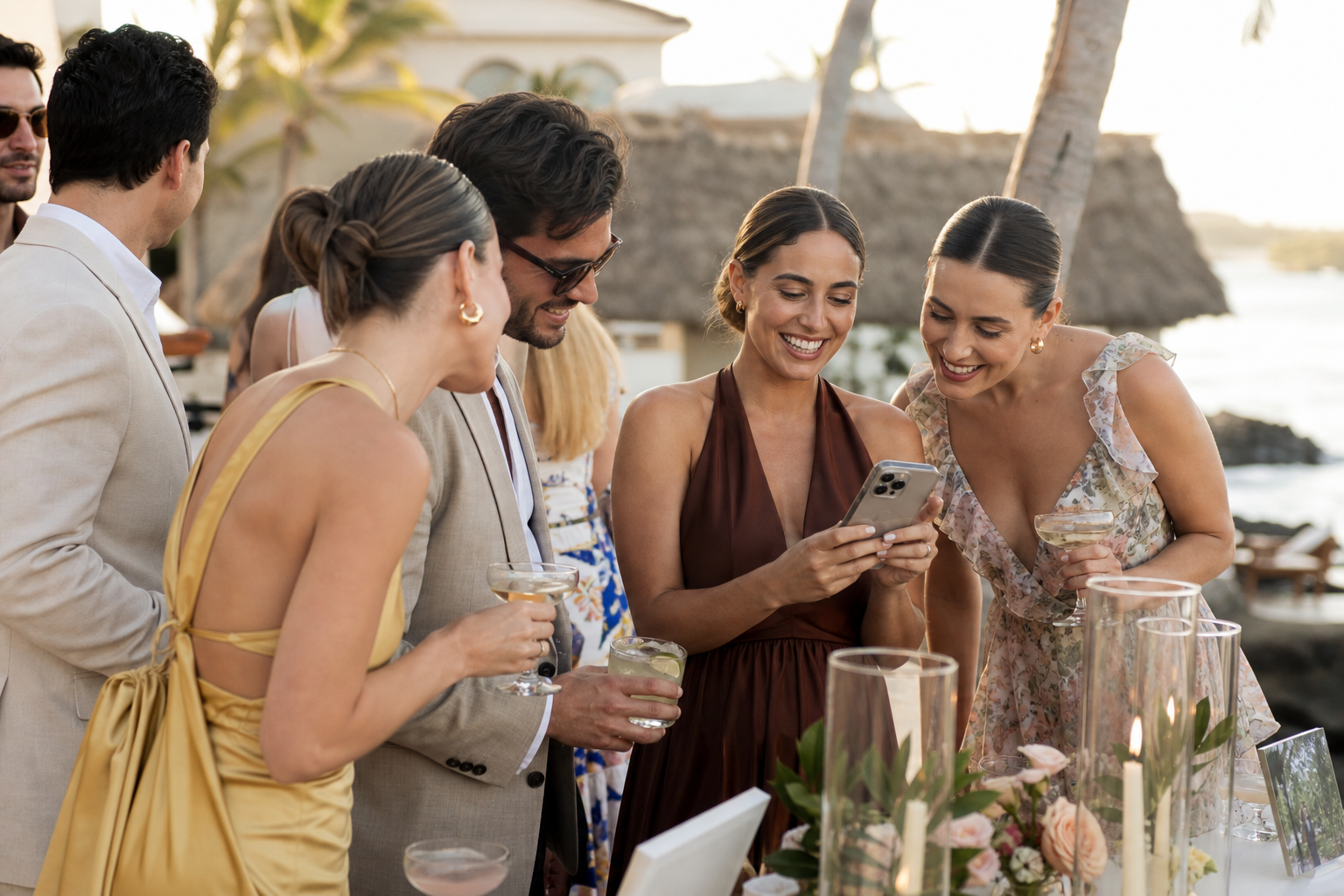
The easiest way to collect guest photos at a destination wedding is to give everyone one simple upload destination before the trip begins, then remind them at the moments when they are already taking pictures. A QR code and private gallery work especially well because guests can scan, open a link, and upload from their phones without downloading an app or creating an account.
Destination celebrations create more photo opportunities than a single local wedding day: airport reunions, casual pool afternoons, a welcome dinner, excursions, the rehearsal, and the farewell brunch. They also create more opportunities for photos to scatter across group texts, social feeds, and individual camera rolls. A clear sharing plan lets you keep those moments together while leaving guests free to enjoy the trip.
Start with one gallery for the whole trip
Choose a single home for guest uploads before you send your final travel details. One gallery is easier to explain than several links, and it gives guests a familiar place to return to throughout the weekend. With Snap the Knot, you can create a private gallery where guests upload via a QR code or link, while you retain owner controls and can download the photos and videos you collect.
For a multi-day itinerary, decide whether one combined gallery or separate event galleries will make finding photos easier later.
| Best setup | Choose it when | Simple guest instruction |
|---|---|---|
| One wedding-weekend gallery | You want the lowest-friction option and do not mind mixed-event photos. | “Add any photos or videos from our wedding weekend here.” |
| Separate event galleries | You have distinct events, such as a welcome party, rehearsal dinner, wedding day, or farewell brunch. | “Use the QR code at each event to add photos from today.” |
Separate galleries can be particularly useful when guests join only part of the trip. A welcome-party attendee does not need to sort through reception images later, and you will know which event each contribution came from. Snap the Knot supports separate galleries for events such as rehearsal dinners, bridal showers, and bachelor or bachelorette parties, so the same approach can work across your wedding events.
Make uploading part of the travel communication plan
Do not treat photo sharing as a last-minute reception detail. Destination guests are balancing flights, transfers, resort maps, and unfamiliar schedules. Tell them about your photo gallery in the same places they will already look for trip information.
- Add the gallery link to your wedding website or itinerary. Put it near the welcome-event details, not buried in a long FAQ. Explain in one sentence that guests can upload candid photos and videos throughout the trip.
- Include the QR code in a welcome item. A small card in a hotel welcome bag, a printed itinerary, or a welcome-sign insert makes the gallery available from the first gathering.
- Share the link in the trip group message. If you have a group chat for arrivals and logistics, post the link once before travel and again after the first event. Keep the message short.
- Display the code where guests pause. Good locations include the welcome party bar, a lounge table, a guest-book table, or by the exit at brunch. Avoid placing it only where people are moving quickly.
Need help creating the code and guest-facing upload point? See Snap the Knot’s guide to a wedding photo QR code. The important part is not printing a code everywhere; it is making the purpose immediately clear: guests should know the scan is for contributing their own pictures.
Plan for destination-specific practicalities
At home, a guest can always promise to upload later. On a trip, people may be conserving data, switching between hotel Wi-Fi and mobile service, or heading home on different days. Reduce those barriers with a few practical choices.
Check connectivity at your main events
Before printing signage, ask your venue or hotel about guest Wi-Fi at the welcome party and reception. If service is spotty in one area, place your main QR display where guests are more likely to have a connection, such as near an indoor lounge, hotel lobby, or well-connected bar area. You do not need to make guests upload every image immediately; you simply want the gallery link easy to save and revisit.
Use an easy-to-scan, high-contrast display
Bright sunlight, dim receptions, and crowded tables make tiny codes frustrating. Use a reasonably sized QR code on a clean sign or card with a brief instruction beneath it. Keep one or two extra copies with your planner, venue coordinator, or a trusted member of the wedding party in case a display gets moved.
Give guests permission to upload imperfect, in-the-moment photos
Some guests hesitate because their images are not professionally edited. Tell them candid phone pictures, short clips, funny outtakes, and views from the dance floor are welcome. That invitation is what unlocks the small, personal moments you will not otherwise see: friends getting ready in separate rooms, a cousin’s view of the vows, or a spontaneous late-night toast.
Use the right reminders, not constant reminders
Guests should not feel as if they have been assigned a task. One reminder at the beginning, one visible prompt during the main celebration, and one message after the wedding are usually more effective than repeating the request all weekend.
- Before travel: “We made one place for all your favorite trip photos and videos. Save this link and add anything you capture along the way.”
- At the welcome event: “Take photos tonight? Scan here to add them to our private wedding-weekend gallery.”
- At the reception: “We would love your candid dance-floor and table photos. Scan to share them with us.”
- After everyone gets home: “Thank you for celebrating with us. If you took any photos or videos, we would love to see them in our gallery.”
Assign one reliable person—perhaps a sibling, planner, or wedding party member—to make the verbal reminder at the welcome event or reception. A real person mentioning it briefly can be more noticeable than another sign, especially when many guests have just arrived.
Keep professional photography and guest photos in their own roles
Your photographer’s gallery and your guest-upload gallery do different jobs. Professional coverage preserves the planned portraits, ceremony angles, family combinations, and polished reception images. Guest contributions capture the atmosphere around those moments: travel-day excitement, behind-the-scenes jokes, photos from friends’ tables, and perspectives from events your photographer may not attend.
Let your photographer know that guests will have a separate place to contribute so they understand your plan. There is no need to ask them to manage it. If you are a photographer building a similar resource for your couples, learn more about wedding photo sharing for photographers.
Follow up before the trip memories disappear
Send your final upload reminder within a few days of the wedding, while guests are still sorting photos from their camera rolls. Include the direct link as well as the QR code; a link is easier to tap from a message, while the code is useful on printed materials and screens. Thank people first, then make the request specific and easy.
“We are still smiling about the weekend. If you snapped any photos or videos—from the welcome dinner to the dance floor—please add them here when you have a moment. We would love to relive the trip through your eyes.”
After collecting contributions, download the photos and videos you want to keep and organize them by event, date, or part of the trip. You can also use the gallery as a convenient place to revisit the celebration before you begin a longer-term backup routine.
A destination wedding photo-sharing plan in five steps
- Create your private gallery before final travel communications go out.
- Choose one combined gallery or separate galleries for key events.
- Put the link in digital travel information and the QR code in a welcome item.
- Display a clear upload prompt at the welcome event and reception.
- Send one warm, direct post-wedding reminder with the link.
A simple system is the one guests will actually use. You can start a free gallery to see how the setup feels, explore available photo-sharing features, or review one-time plan options when you are ready to make destination memories easier to collect.