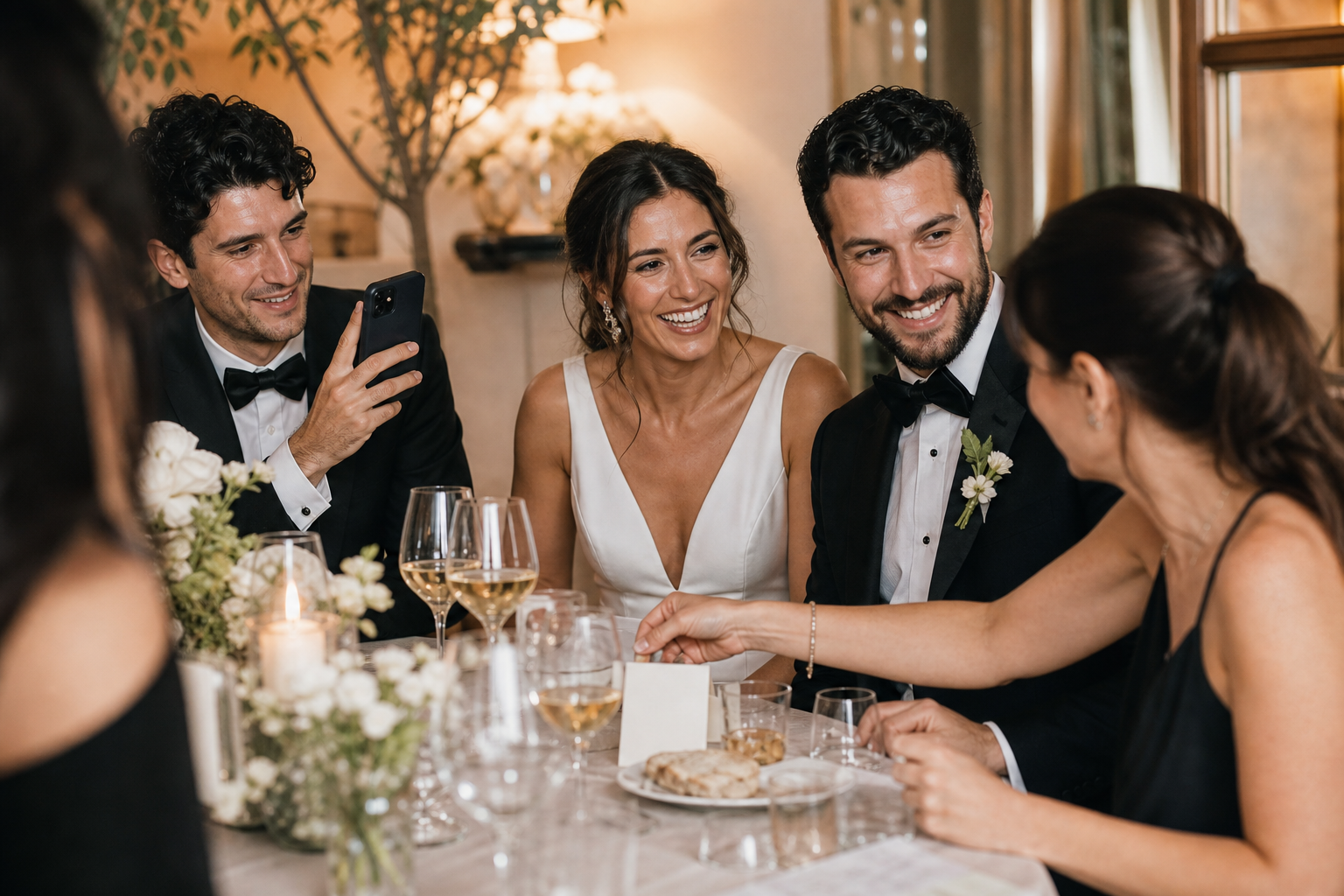
Want more of your guests’ candid wedding photos and videos? Put a clear upload option where guests already pause: at tables, the bar, the guest book, or the card table. Snap the Knot is launching a set of eight 5x7 QR code cards for a $7 one-month promotional price, giving couples a simple, repeatable way to invite uploads throughout the celebration.
Each card points guests toward your private Snap the Knot gallery. They scan the code or open the link, then upload from their phone without downloading an app or creating an account. Instead of trying to explain a shared album, collect phone numbers, or track down files after the wedding, you can give guests one easy next step while the moments are still happening.
Why 5x7 wedding QR code cards are useful
A QR code only works when guests notice it, understand why it is there, and have a convenient moment to use it. A 5x7 card is large enough to be seen on a table without taking over your décor. More importantly, having eight cards means you do not have to rely on one sign in one corner of the venue.
People take photos in different places and at different times. One guest may photograph the ceremony processional, another may catch a hilarious reception toast, and someone else may take a quick video on the dance floor. A few well-placed cards make the upload request visible near those moments, rather than asking guests to remember it later.
The goal is not to turn your wedding into a technology project. It is to remove friction. A guest who sees a card, scans once, and uploads a few favorites is much more likely to contribute than a guest who has to search for instructions after getting home.
What guests do after scanning
Keep the experience straightforward. With Snap the Knot, guests can scan your QR code or open your shared link and upload photos and videos directly to your gallery. There is no app to download and no account to create. You retain a private wedding gallery, with owner controls, and can download the images and videos you collect.
- A guest notices a QR card at a natural stopping point.
- They scan the code with their phone camera or use the provided link.
- They choose photos or videos from their phone and upload them to your gallery.
- You receive guest perspectives alongside the professional photos you will receive separately.
For a fuller walkthrough before you order or display anything, see how wedding photo QR codes can work for your celebration. You can also start a free gallery to see the guest flow before committing to a plan.
Where to place all eight QR code cards
Eight cards give you coverage without putting a sign on every surface. Choose locations based on guest traffic and the moments you most want to preserve. You do not need to use every placement below; use the spaces that fit your venue and schedule.
1. Welcome table or entrance
Place one card near the entrance, welcome sign, or seating display. This introduces the idea early: guests can add their perspective to your wedding gallery. It is especially useful for early arrivals who may take pre-ceremony photos or clips.
2. Guest book and card table
Guests already linger here, so this is one of the best spots for a wedding guest photo upload sign. Place the card upright and make sure it is not hidden behind cards, gifts, or florals. This location also catches guests during quieter moments when they have time to look through their camera roll.
3. Bar or beverage station
A bar or beverage station has frequent, short visits all night. One card here can reach guests who missed the welcome display. Keep it clear of spills and avoid placing it where staff need to move it repeatedly.
4. Dessert, cake, or late-night snack table
Guests gather around food displays, often with their phones already out. This is a practical reminder for anyone who has accumulated photos since cocktail hour. It also puts the request in front of people who arrive later to the reception.
5. Reception tables
Distribute several cards across guest tables rather than placing all of them in one area. If your guest count and room layout allow, cards near the center of tables make the upload option easy to spot during dinner. Do not block place cards, menus, or family-style dishes; ask your planner or venue coordinator what layout will stay tidy.
6. Dance floor edge or DJ area
The dance floor produces some of the most energetic guest-made photos and videos. A card near, but not on, the dance floor can encourage guests to upload while the fun is fresh. Make sure it is visible in low light and secure enough that it will not be bumped over.
7. Photo booth area
If you have a photo booth, add a card nearby so guests can share their own phone photos alongside booth pictures.
8. Exit or farewell station
Save one card for the exit area, transportation pickup point, or farewell table. This gives guests a final prompt to upload before they leave. It is particularly helpful for people who took photos throughout the evening but were too busy to share them earlier.
How to make the cards more effective
The QR card is the prompt, but a few small choices determine whether guests act on it. Use these practical guidelines when planning your display.
- Use a direct instruction. Let guests know what to do and why: “Scan to add your photos and videos to our wedding gallery.”
- Say it out loud once. Ask your DJ, emcee, officiant, or a member of the wedding party to make one brief announcement. The cards then serve as reminders instead of carrying the whole message alone.
- Put cards where phones are already out. Guest book, bar, dessert, table settings, and photo booth areas tend to work better than a remote hallway.
- Keep them upright and unobstructed. Test each placement from a guest’s eye level. A card hidden behind a centerpiece cannot do its job.
- Use the same gallery for the whole event. Consistency prevents guests from wondering which link to use or whether their upload reached you.
- Choose a few intentional locations. More signs are not always better. Eight strategically placed cards are more useful than a cluttered room full of competing instructions.
How this fits into your wedding photo-sharing plan
Professional photography is invaluable, but guest uploads preserve a different layer of the day: the view from a college friend’s reception table, a quick parent reaction during the ceremony, or the unscripted dancing your photographer could not see at the same time. A shared gallery gives those moments one home.
Consider setting up your gallery before finalizing day-of stationery and décor. Once your gallery is ready, you can plan where the cards will go, brief your coordinator, and decide who will place them.
If your wedding includes several gatherings, you can also create separate event galleries for occasions such as the bridal shower, bachelor or bachelorette party, and rehearsal dinner. That keeps each collection organized while still making it easy to revisit the full wedding season later.
What the $7 launch promotion includes
For one month during this launch promotion, couples can get eight 5x7 QR code cards for $7. The set is designed for couples who want a polished, easy to place display option at multiple points around the venue.
The cards work best alongside a Snap the Knot gallery, where guests can upload without an app or account and you can collect, manage, and download your photos and videos. Snap the Knot plans are a one-time purchase and start at $19. Review the available options on the pricing page, or explore the gallery, QR upload, owner controls, and Live Image Wall features before deciding what fits your event.
A simple checklist for wedding-day setup
- Create and test your gallery before the wedding.
- Decide on up to eight high-traffic locations for the cards.
- Ask your coordinator, venue contact, or a trusted friend to place the cards before guests arrive.
- Keep one card aside for the exit or a location that needs a last-minute replacement.
- Make one short announcement during the reception.
- After the wedding, download the photos and videos you want to keep from your private gallery.
Eight small cards can make a meaningful difference when they give guests a clear, low effort way to share the moments you did not see. Start a free Snap the Knot gallery, test the upload experience for yourself, and consider the $7 launch set if you want QR prompts ready for the places your guests will naturally gather.