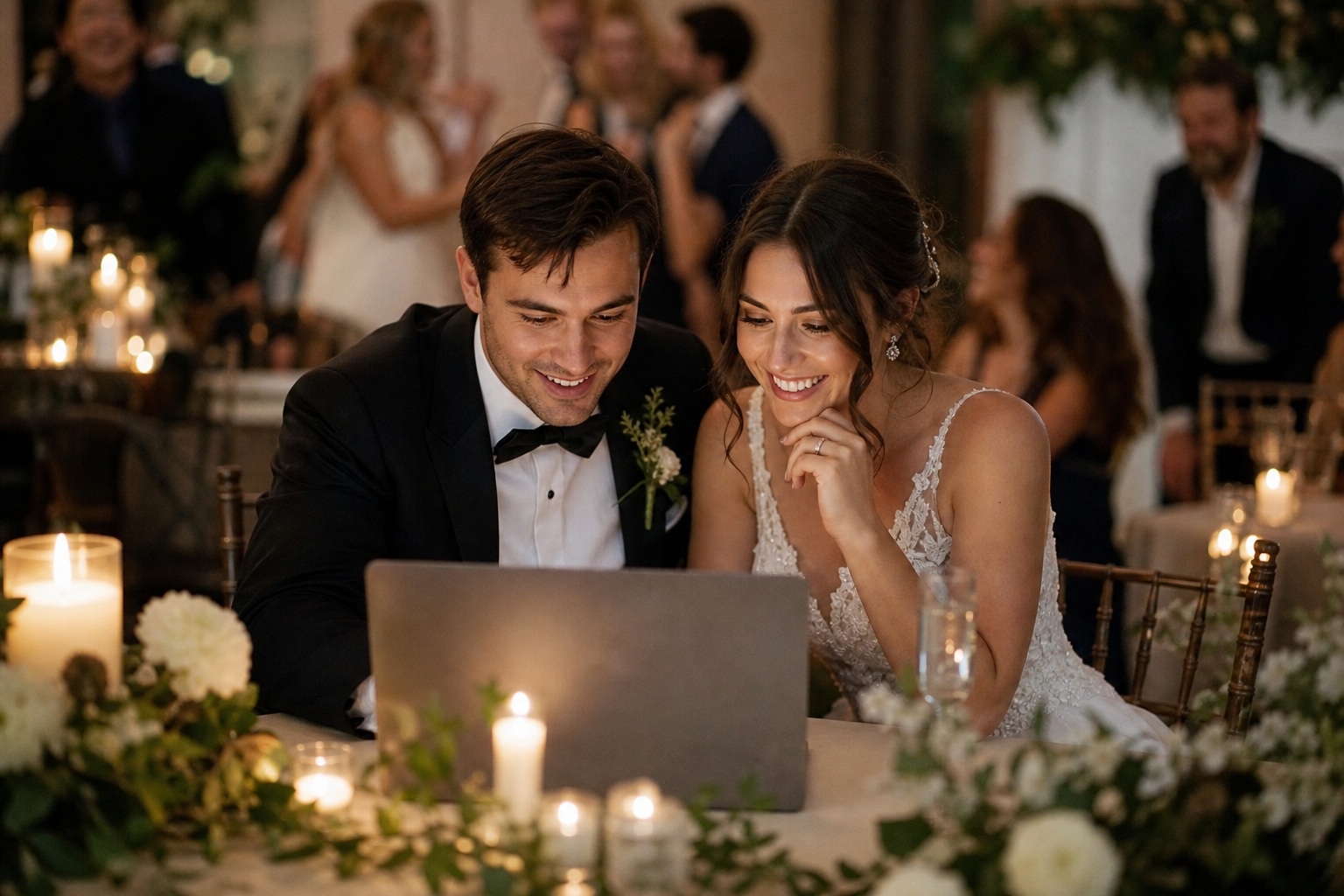
The best way to store wedding photos and videos long term is to keep the original files in one organized master archive, then maintain at least two separate backups, one at home and one off-site. Do this soon after the wedding, while downloads, photographer galleries, guest uploads, and passwords are still easy to find. A beautiful album is worth having, but it should not be your only preservation plan.
Wedding memories tend to arrive from many places: your photographer, videographer, phone, family members, friends, a photo booth, and pre-wedding events. The goal is not to make every file look identical or to edit everything immediately. It is to gather what matters, preserve the highest-quality versions, and make the collection simple for your future selves to use.
Start by collecting every source of wedding media
Before thinking about folders or hard drives, make a short inventory of where your images and video clips live. This prevents the common problem of preserving the professional gallery while forgetting the funny reception clips on a cousin’s phone or the rehearsal dinner photos in a group chat.
- Professional photographer gallery and full-resolution download
- Videographer delivery, including any highlight film and full ceremony or speeches
- Your own phones, cameras, and tablets
- Guest photos and videos
- Photo booth images, GIFs, or video clips
- Bridal shower, bachelor or bachelorette party, rehearsal dinner, and farewell brunch media
If you are still collecting guest contributions, give people one easy destination rather than asking them to send files through several apps. A wedding photo QR code lets guests upload from a browser without downloading an app or creating an account. With Snap the Knot, those contributions go into a private gallery that you can download, so they can become part of your long-term archive rather than staying scattered across messages.
Set a clear collection deadline, such as two to four weeks after the wedding. Guests are much more likely to upload when the day is still fresh, but a gentle final reminder can recover a surprising number of photos and videos.
Download original files before a gallery expires
Do not assume a link will work forever. Photographer and vendor galleries may have download windows, and social media platforms are not a dependable place to keep original-quality memories. Download your files while access is active, and save the delivery email or contract in your wedding records.
When downloading, choose the largest available files and keep them unchanged. These are your digital negatives. You can always make smaller copies for texting, posting, or adding to a slideshow; recreating lost detail from a compressed image is not possible.
For guest media, download the gallery after you have given people enough time to contribute. Snap the Knot couples can download their collected photos and videos, which makes it straightforward to add spontaneous guest perspectives to the same archive as professional files.
Build one master wedding archive
Create a single top-level folder with a name that will still make sense decades from now. A date-first name sorts naturally on most devices and drives:
2026-09-18_LastName-LastName_Wedding
Inside it, use simple categories. Avoid overly elaborate systems that are difficult to maintain. The following structure is enough for most couples:
- 01_Professional_Photos_Originals
- 02_Professional_Video_Originals
- 03_Guest_Photos_and_Videos
- 04_Pre_Wedding_Events
- 05_Photo_Booth
- 06_Favorites_to_Print
- 07_Social_and_Sharing_Copies
- 08_Documents
Keep contracts, vendor contact details, gallery download instructions, shot lists, and a note identifying any music licensing or video delivery information in the Documents folder. This may feel unromantic now, but it can be genuinely helpful if you want to order additional prints or revisit a vendor years later.
For wedding weekend events, either create subfolders under 04_Pre_Wedding_Events or use separate event galleries while collecting. Snap the Knot supports separate galleries for occasions such as showers, rehearsal dinners, and bachelor or bachelorette parties, helping you keep the weekend organized from the beginning.
Use the 3-2-1 backup rule
The most useful wedding photo backup strategy is commonly called the 3-2-1 rule: keep three copies of your files, on two different types of storage, with one copy stored elsewhere. It protects you against accidental deletion, drive failure, theft, water damage, and a lost or replaced laptop.
| Copy | Where it lives | Why it matters |
|---|---|---|
| Master archive | Your primary computer or a dedicated external drive | Your working, organized collection |
| Local backup | A second external drive kept separately at home | Quick recovery if the first device fails |
| Off-site backup | A reputable cloud storage account or drive stored at another location | Protection from a loss affecting your home |
For large wedding videos, an external drive is often practical because raw footage and long edits take up substantial space. For your off-site copy, use a cloud storage provider you trust or keep a second encrypted drive with a close family member or in another secure location. The important point is separation: two drives sitting next to each other are better than one, but they do not solve every risk.
Label physical drives clearly with the archive name and the date you last updated them. Store the drive somewhere dry, stable, and unlikely to be swept up in a routine electronics cleanout.
Keep originals separate from easy-to-share copies
It is normal to crop photos, add music to a short video, make a phone-friendly highlight album, or choose favorites for social media. Make those versions in a separate folder. Never replace the originals with edited, downsized, or filtered copies.
This distinction matters most with video. A clip forwarded through a messaging app may be smaller, lower quality, or stripped of useful details. Save the best available source first, then create a compressed version when you need one.
If your photographer provides edited JPEGs and high-resolution files, save both exactly as delivered. If they provide RAW files, preserve those too, even if you cannot open or edit them today. Software changes, but the original capture is worth keeping.
Make the archive easy to revisit
Preservation works best when your files are findable. After you have secured backups, create a small favorites folder containing the images and clips you want to see often. This can include portraits, family photos, ceremony moments, speeches, dance-floor scenes, and guest candids.
Add a short text note in your archive with names, dates, locations, and context that a future viewer may not know. For example, identify relatives in group portraits, name the song from your first dance, or explain why a particular guest video is meaningful. These details can become more valuable with time.
Consider making two viewing collections: one private family collection and one shareable set. The private collection can include emotional speeches, children, and candid moments you do not want broadly circulated. A shared gallery can be a joyful way to let loved ones revisit the day while you retain control over the full archive. Learn more about available gallery and sharing tools on the Snap the Knot features page.
Put a yearly wedding-memory check on your calendar
Digital storage is not a task to complete once and forget. Around your anniversary, take ten minutes to make sure you can still open the archive, your cloud account is active, and your backup drive is working. If you have added anniversary photos, printed albums, or newly recovered guest clips, add them to the archive then.
Technology will change over the years. A quick annual check gives you time to move files to a new drive or format before an old device becomes difficult to access. It also gives you a lovely reason to watch your ceremony, revisit the speeches, and enjoy the unplanned moments your guests captured.
A simple post-wedding preservation checklist
- List every photographer, videographer, gallery, phone, and guest-photo source.
- Download original files and save access emails or instructions.
- Collect guest photos and videos in one private gallery.
- Create a clearly named master wedding archive with simple folders.
- Keep one primary copy, one local backup, and one off-site backup.
- Separate originals from edited and social-sharing copies.
- Schedule an annual check of your files and storage.
Your wedding archive does not need to be perfect to be protected. Start by collecting what exists, download it while it is available, and give it more than one safe home. If you are planning how guests will contribute their photos and videos, you can try a free Snap the Knot gallery and decide whether it fits your celebration before making a purchase.