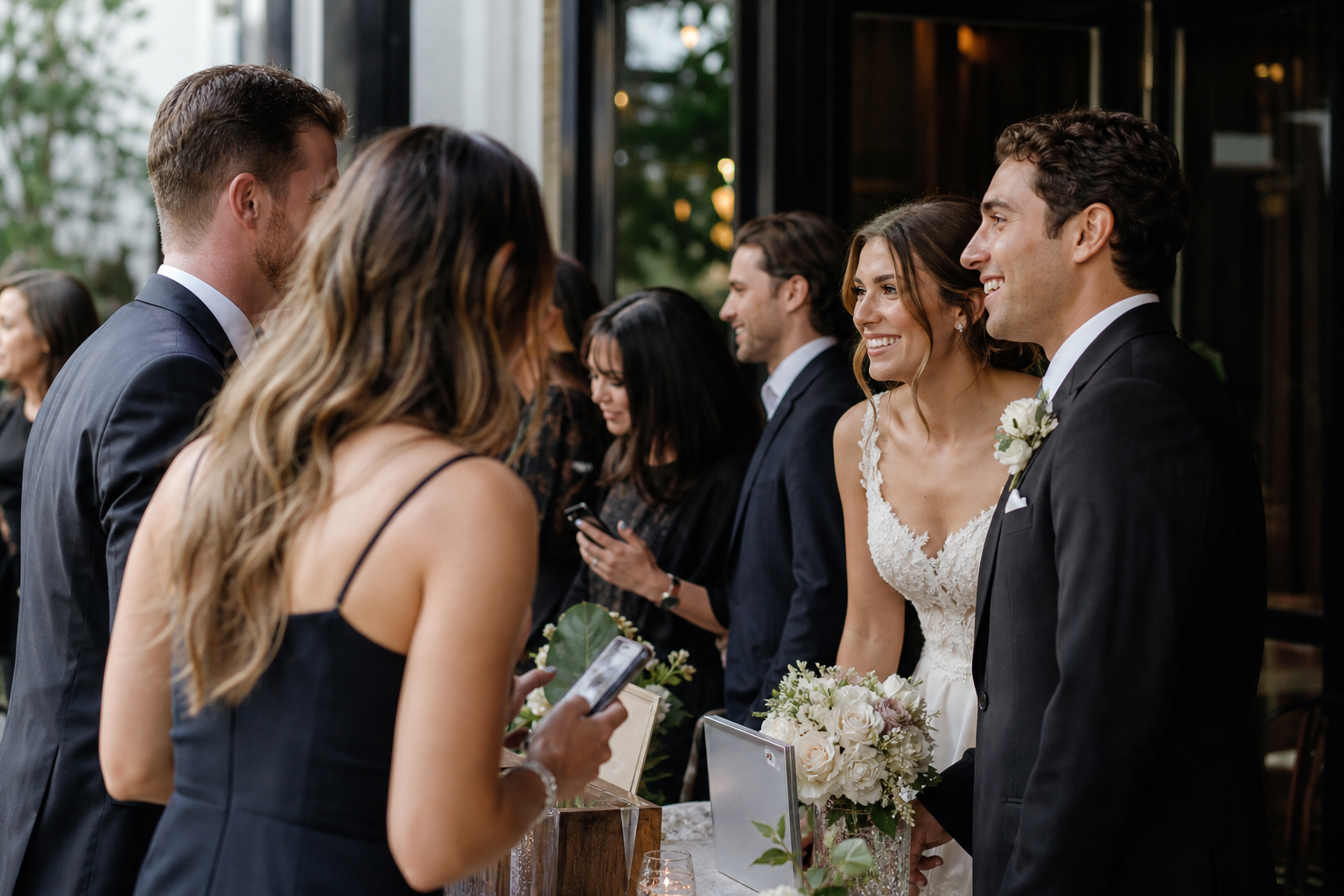
Most weddings need four to eight QR code signs to make guest photo uploads easy without making the decor feel crowded. The right number depends less on guest count than on how many distinct places guests will gather, wait, sit down, or use their phones during the day.
As a practical starting point, use one sign at the welcome area, one near the bar or cocktail space, and one or two in the reception area. Add more only when your venue has separate rooms, multiple bars, a large guest list, or events across a wedding weekend.
The goal is not to put a QR code in every corner. It is to make the upload option visible at the moments when guests naturally take photos, and easy to find again when they are ready to share them.
The quick answer: a wedding QR code sign quantity guide
| Wedding setup | Recommended number of signs | Why it works |
|---|---|---|
| Elopement or intimate wedding | 2–3 | One at the entrance or gathering spot and one at dinner or the reception is usually enough. |
| Single-room wedding, up to about 100 guests | 4–5 | Covers arrival, cocktail hour, and key reception areas without repetition. |
| Large reception or venue with separate spaces | 6–8 | Gives guests a nearby sign in each room, bar area, or large seating zone. |
| Wedding weekend with multiple events | 6–10+ | Allows each event to have a visible upload point while keeping galleries organized. |
These are planning ranges, not rules. A 60-person wedding in a venue with a ceremony lawn, cocktail terrace, and indoor ballroom may need more signs than a 150-person wedding held entirely in one room.
Plan signs around guest movement, not just guest count
A sign works when a guest sees it at the right time. Think through the path your guests take from arrival to the final dance, then identify the few places where they pause.
1. Start with the places every guest will pass
Your first signs should go where nearly everyone is likely to notice them. Depending on your schedule and venue, that may be a welcome table, ceremony entrance, escort-card display, guest book table, or cocktail hour entrance.
If you want photos from before the ceremony or from the ceremony exit, the welcome area is especially useful. It gives guests the link before they have a full camera roll of wedding-day moments to share.
2. Add a sign where guests have time to scan
Seeing a QR code and scanning it are two different things. Guests are most likely to act when they have a free hand and a few minutes: while waiting for a drink, finding their table, sitting down for dinner, or taking a break from dancing.
This is why a sign near the bar, cocktail tables, or reception entry often earns its place. It reaches people at an unhurried moment rather than asking them to stop during a busy transition.
3. Make the reception easy to navigate
For a standard reception, plan on at least two signs in the main celebration area. One can sit near the entrance, gift table, or seating display. Another can be near the bar, lounge, photo moment, or dance floor.
In a long ballroom, tent, or split-level venue, place signs in separate zones. A single sign across the room may technically be available, but it will not be top of mind when someone has just captured a great photo from their table.
A reliable four-sign setup for most weddings
If you would rather make one straightforward decision, use this four-sign plan:
- Welcome or ceremony entrance: Introduce the photo-sharing gallery as guests arrive.
- Cocktail hour or bar: Catch guests while they are mingling and reviewing the photos they have already taken.
- Reception entrance, seating display, or guest book table: Give guests a clear reminder as they settle in.
- Reception bar, lounge, or dance floor area: Prompt uploads after the party has begun and phone cameras are filling up.
This approach gives guests several natural reminders without requiring them to hunt for instructions. It also distributes signs throughout the event instead of relying on one busy display.
For a Snap the Knot gallery, guests can scan the code or open a link, then upload photos and videos without downloading an app or creating an account. That low-friction experience matters, but guests still need to notice the invitation to participate. Thoughtful sign placement closes that gap.
When you should order more than four signs
Extra signs make sense when they solve a real visibility problem. Consider adding them in these situations:
- Separate ceremony and reception venues: Put signs at both locations rather than expecting guests to remember a code they saw hours earlier.
- Two bars or a large cocktail hour: Place a sign at each bar or in clearly separate gathering spaces.
- More than one reception room: Use a sign in each room, especially if dinner, dancing, and dessert happen in different areas.
- A large tent or ballroom: Add a sign for each major seating zone or side of the room.
- A photo booth or dedicated photo moment: Place a sign nearby so guests can share their best group shots right away.
- Multiple wedding events: Give the shower, rehearsal dinner, welcome party, and reception their own visible upload prompts if you are collecting memories throughout the celebration.
Snap the Knot supports separate event galleries for occasions such as bridal showers, bachelor or bachelorette parties, rehearsal dinners, and similar events. This can make it simpler to keep a full wedding weekend organized rather than combining every image in one stream.
Do not make every sign identical
You can use the same QR code across every sign for one event gallery, but vary the purpose of the message around it. Repetition is helpful; repetitive wording is not always necessary.
For example, an arrival sign can focus on participation: “Scan to share photos from today.” A reception sign can be more specific: “Caught a great dance-floor moment? Add it to our gallery.” A late night sign can offer a gentle final reminder: “Before you go, share your favorite photo or video.”
Keep the instructions short. Guests should be able to understand what to do in a glance: scan, upload, celebrate. For more wording examples, see wedding photo QR code ideas and setup guidance.
Size and visibility matter as much as quantity
Ordering more signs will not help if they are too small, placed too low, or hidden behind flowers and glassware. Before you decide on a final count, consider the viewing distance at each location.
- Use a larger sign for an entryway, a bar, or a display guests view while standing.
- Use smaller signs for tables, lounge areas, and close-up displays.
- Keep the QR code flat, well lit, and unobstructed so phone cameras can scan it quickly.
- Use a readable short instruction alongside the code; do not assume every guest will know its purpose.
- Ask your planner, coordinator, or a trusted friend to check that signs stay visible after decor is set.
It is also wise to test every printed sign with more than one phone before the wedding. Open the gallery, try an upload, and make sure the message is immediately clear. You can test a Snap the Knot gallery with five free photo uploads before committing to your full setup.
How many signs should you order if you are unsure?
If your plan calls for four signs, ordering a couple of extras is sensible. Venue layouts change, a display can be moved, and an extra sign gives your coordinator flexibility. You might use the spare near a late-night snack station, a second bar, or a photo area that looks especially popular once the room is set.
Couples using Snap the Knot can add 10 printed QR signs to any plan for $15, with free rush printing and tracked shipping. Extra signs are available in the shop for $2 each, so you can scale the quantity to your venue rather than trying to make a one-size-fits-all pack work. The Photos + Videos + Prints plan is $59 and includes 10 prints and 10 QR signs with free U.S. shipping.
Before ordering, confirm whether your venue supplies frames, table stands, easels, or holders. You only need to buy what fits your display plan. Review the available options on the pricing page, then match your order to the actual spaces guests will use.
A simple final check before the wedding
- List every distinct event space guests will use.
- Choose one high-traffic location in each space.
- Add a second sign only for large rooms, separate bars, or long guest flow paths.
- Assign someone to place signs and check them after the room is styled.
- Test the QR code and upload process before guests arrive.
The best number of wedding QR code signs is the number that makes sharing feel obvious, not intrusive. Start with four for a typical wedding, add signs where guests naturally linger, and keep a couple in reserve if your venue has multiple gathering areas. When you are ready, create a gallery and test the guest experience before your wedding day.