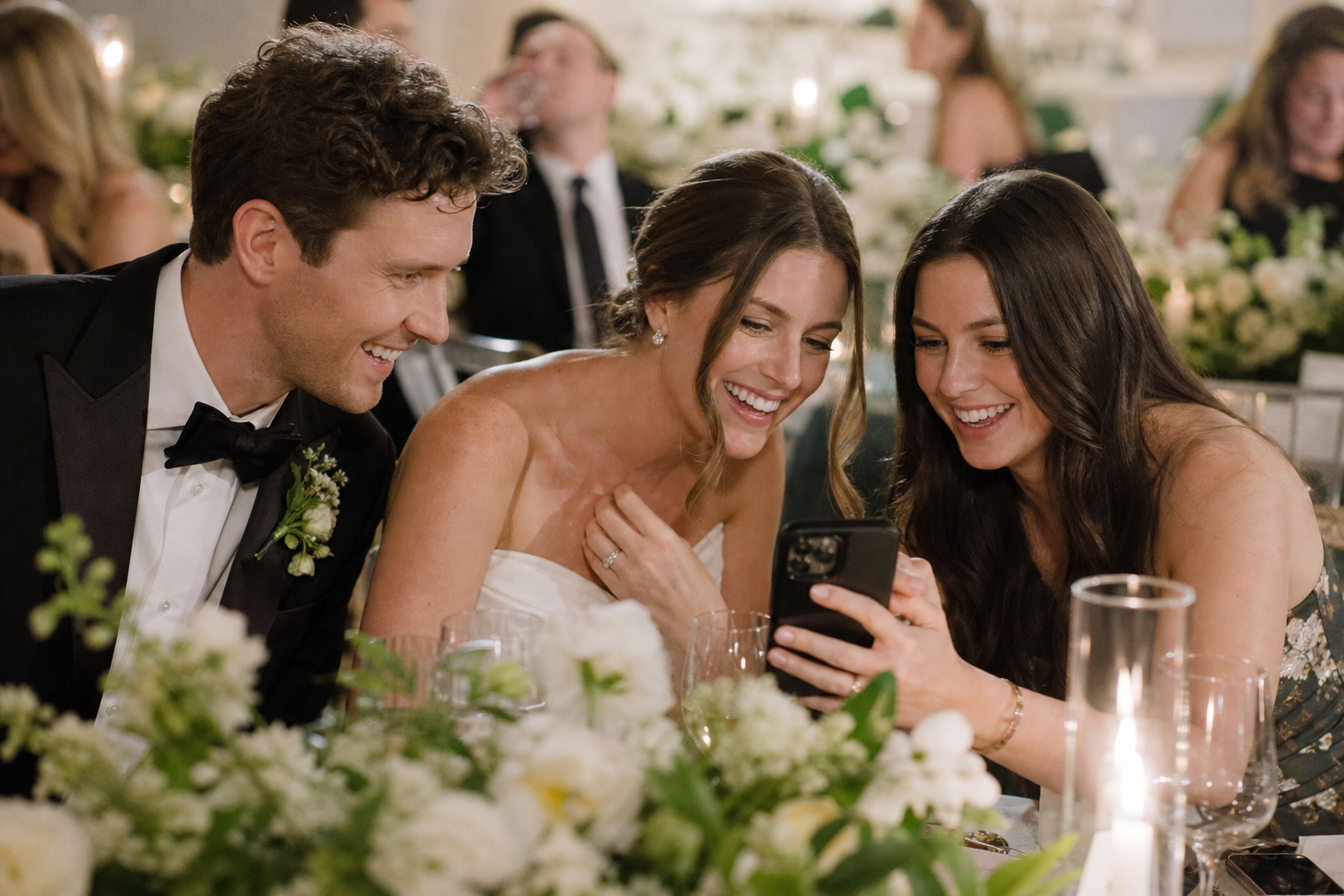
The best time to ask wedding guests to upload photos is more than once: introduce the gallery before the wedding, make the upload option visible during the celebration, and send one warm follow-up within a few days. A single request is easy to miss. A few well-timed, low-pressure reminders give guests an easy path to share the candid photos and videos you would otherwise never see.
This does not need to become another complicated item on your wedding to-do list. The goal is simply to put the same private gallery or upload link in front of guests at the moments when they are most likely to use it: while planning, while celebrating, and while still enjoying the afterglow.
A wedding guest photo upload timeline that works
For most weddings, use a three-stage approach: a light introduction before the event, convenient prompts on the day, and one clear post-wedding reminder. If you are using a QR code, make sure it leads directly to a simple upload experience. With Snap the Knot, guests can scan a code or open a link and upload without downloading an app or creating an account.
| When | What to do | Why it helps |
|---|---|---|
| 2–4 weeks before | Add the gallery link or a brief note to wedding communications. | Guests know in advance that candid photos are welcome. |
| Wedding week | Share a short reminder with practical details. | The request is fresh when guests are packing and making plans. |
| Wedding day | Place QR codes where people naturally pause and gather. | Guests can upload while their favorite moments are still on their phones. |
| 1–3 days after | Send one thank-you and upload reminder. | Guests have time to travel home and sort through their camera roll. |
| About 1–2 weeks after | Send an optional final nudge. | You catch people who meant to share but forgot. |
Two to four weeks before: set the expectation
Your first mention should be brief and optional in tone. You are not asking guests to document every second of the day; you are letting them know that their spontaneous photos will be welcome. This early note is especially useful for guests who enjoy taking pictures and may plan to bring a small camera in addition to their phone.
Good places for this first introduction include your wedding website, a pre-wedding email, or a message alongside final event details. If your invitation suite is already complete, do not worry about adding another printed insert. Digital communication is enough.
Try wording such as:
We would love to see the day through your eyes. If you take photos or videos, please add your favorites to our private wedding gallery. We will share the upload link again on the day.
Keep the message focused on participation, not obligation. Guests should feel free to be present. The best guest galleries usually include a mix of intentional portraits, dance-floor snapshots, quiet behind-the-scenes moments, and a few joyful imperfect images.
Wedding week: make the request easy to remember
A wedding-week reminder is often the most useful pre-event touchpoint. By now, guests are checking travel plans, deciding what to wear, and looking for the details they may have missed earlier. Include the gallery link and tell them they will also see a QR code at the celebration.
This is also the right time to decide who will handle signage. Ask a planner, venue coordinator, family member, or member of the wedding party to place your QR cards or signs before guests arrive. You should not need to think about it once the day begins.
If you have multiple celebrations, consider whether each deserves its own gallery. Separate galleries can keep a shower, rehearsal dinner, bachelor or bachelorette party, and wedding day organized without mixing everything together. Learn more about the available gallery and sharing features as you plan the setup.
What to include in the wedding-week message
- A direct gallery link.
- A note that guests can scan a QR code at the event.
- A simple request to share photos and videos they are happy for you to keep.
- A reminder that candid moments are especially appreciated.
Avoid sending a long list of photo assignments. Guests are more likely to participate when the request feels easy: take photos if they wish, then upload their favorites.
On the wedding day: ask at the moments guests can act
The most effective wedding photo upload reminder is the one guests see when they have their phones out and a minute to spare. Put your QR code in several places rather than relying on one small sign at the entrance.
Where to display your wedding QR code
- Welcome table: This reaches guests at arrival, though they may be focused on finding seats.
- Cocktail hour bar or guest book table: People are waiting, mingling, and often checking their phones.
- Reception tables: Small table cards offer a convenient prompt without an announcement.
- Near the photo booth: Guests are already in a photo-taking mindset. If you are building a photo moment, see ideas for a wedding photo booth experience.
- Near the exit or favor table: This catches guests who took photos all night but have not uploaded yet.
Use a short instruction beside every code: “Scan to share your photos and videos with the couple.” People should understand what happens before they scan. For practical setup guidance, visit wedding photo QR code tips.
One brief announcement can help, particularly at the start of the reception or before dancing. Ask the DJ, bandleader, officiant, or a trusted wedding-party member to make it. Keep it under 20 seconds and make it feel like an invitation rather than an interruption.
We would love your candid photos from tonight. Scan the QR code on your table whenever you have a favorite to share—we cannot wait to see the celebration from your perspective.
If you use a Live Image Wall, it can create another natural reason for guests to upload in the moment. However, the gallery should still work well for guests who prefer to share quietly later. Not everyone wants to stop mid-conversation to sort through their camera roll.
One to three days after: send the most important reminder
If you only send one reminder, send it after the wedding. Guests may have captured wonderful photos but been too busy celebrating to upload. Once they are home, a thank-you message paired with the direct link gives them a clear next step.
Send it soon enough that the event is still fresh, but not so soon that guests are in transit. For a Saturday wedding, Sunday evening through Tuesday is usually a sensible window. A group text, email, wedding website update, or message through the communication channel you already used is fine.
Here is a ready-to-use version:
Thank you for celebrating with us—we are still smiling about the weekend. If you took any photos or videos, we would love to have them in our private gallery. Please add your favorites here: [link]. We cannot wait to relive the day through your eyes.
Be specific that you welcome videos, too, if that is true for your gallery. Short clips of speeches, first dances, entrance reactions, and casual conversations can become some of the most meaningful keepsakes.
Should you send a final wedding photo upload reminder?
Yes, but make it your last one. A gentle final nudge about one or two weeks after the wedding is helpful because people often intend to contribute and then forget. After that, let it go. Repeated requests can make a simple favor feel like homework.
Use a warm, concise message:
One last note: if you have a favorite photo or video from our wedding, we would be so grateful to add it to our gallery. Thank you again for being part of the day.
This is also a good point to ask a close family member or wedding-party member directly if you know they took a lot of images. Personal messages work best when they are genuinely personal: mention that you loved seeing them with relatives, on the dance floor, or during the ceremony rather than sending a generic demand for every file.
How to get more uploads without pressuring guests
Convenience matters more than repeated promotion. Make the destination private, direct, and simple; then give guests a few chances to find it. A gallery that opens from a QR code or link removes unnecessary friction, and clear owner controls help couples manage their collection.
- Use the same gallery link everywhere so guests never have to guess which one is current.
- Test the QR code yourself from a phone before printing signs.
- Place signs at eye level with a clear instruction, not just a code by itself.
- Ask your wedding party to upload a few favorites early; their participation normalizes the request.
- Thank guests for sharing rather than counting or comparing contributions.
- Download and back up your collected photos and videos once you are ready.
Do not make the gallery your only photography plan. Your professional photographer is there to capture the key moments with skill and intention. Guest images complement that coverage by showing what loved ones noticed, felt, and experienced from their own seats. Photographers who want to offer a simple client sharing option can explore Snap the Knot for wedding photographers.
The simplest rule: invite, remind, thank
When deciding when to ask wedding guests to upload photos, remember this sequence: invite them before the wedding, remind them where to share during the celebration, and thank them with a link afterward. That is enough structure to collect more candid memories while keeping the focus where it belongs—on celebrating with the people you love.
If you are ready to set up a private place for those memories, you can test a free gallery before choosing a plan, or review one-time pricing options for your wedding.