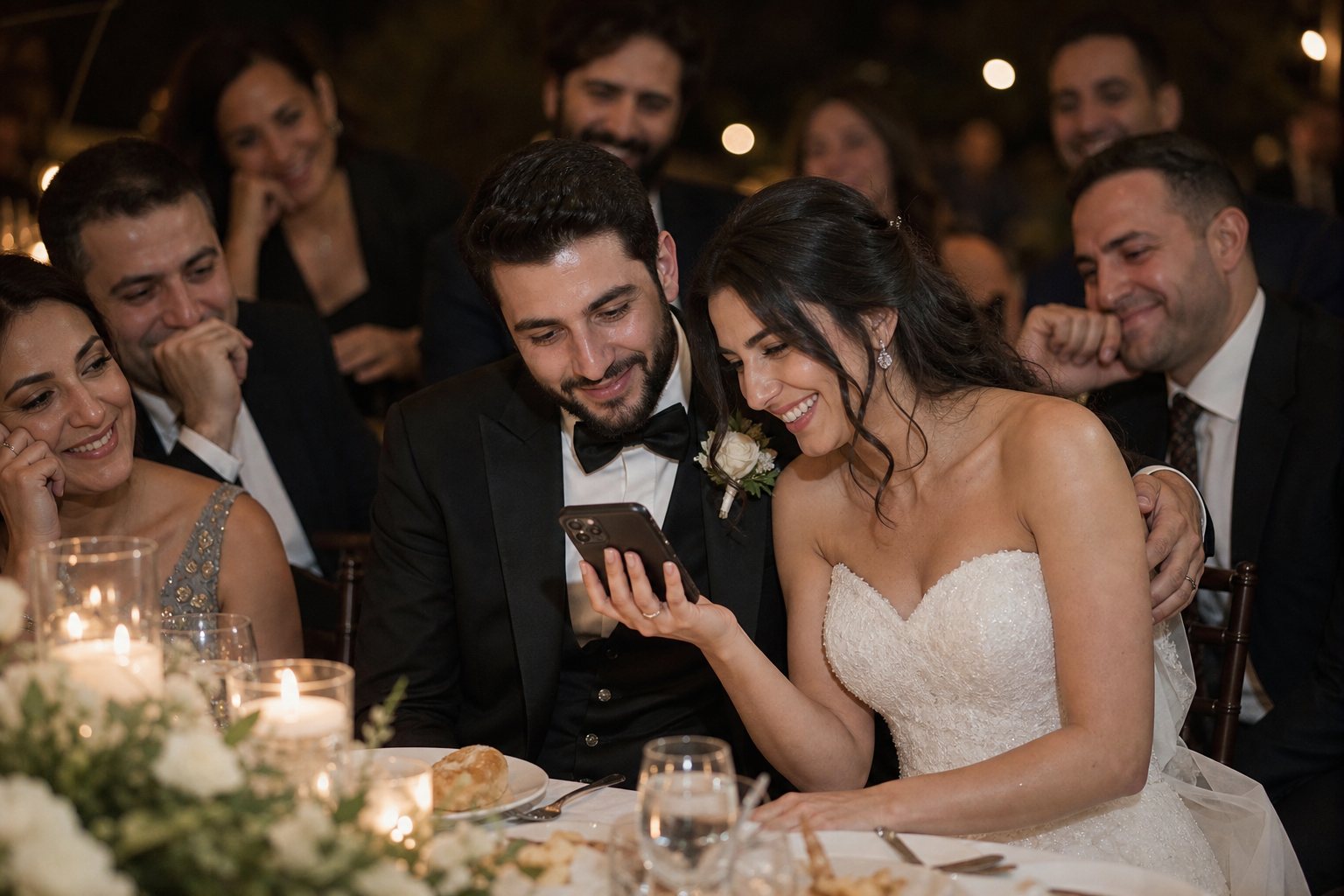
Snap the Knot now lets couples collect voice messages and text messages from wedding guests, alongside the photos and videos already shared in their private gallery. It is a simple way to preserve the words behind the celebration: a parent’s advice, a childhood friend’s memory, a quick congratulations from a coworker, or a funny late-night note you may not hear clearly on the wedding day.
For couples looking for a wedding voice message guest book, this feature creates a more complete record of the people who celebrated with you. Guests can leave a written message, record a voice message, or do both, giving you keepsakes that feel more personal than a name on a card alone.
Voice and text messages are optional. Couples can enable them when they want a place for guests to share wedding wishes beyond their camera roll, while keeping the familiar Snap the Knot experience for collecting candid photos and videos.
Why add voice and text messages to your wedding gallery?
Wedding photos show what the day looked like. Guest videos capture movement, music, and snippets of the atmosphere. Messages add another layer: what the day meant to the people in the room.
A handwritten guest book has lasting charm, but it can be easy for guests to miss during cocktail hour or difficult to read after a busy reception. A digital message option gives guests another way to participate, especially when they are already using your gallery link or QR code to share a photo.
- Voice messages preserve familiar voices. Hearing a grandparent say congratulations or listening to your best friend retell a favorite memory can bring you right back to the day.
- Text messages make space for thoughtful words. Some guests will be more comfortable writing a note than recording one.
- Guests can contribute in the format that suits them. A quick written wish is welcome; so is a longer voice note from someone who has more to say.
- Your keepsakes stay connected. Rather than separating photos in one place, videos in another, and guest-book notes somewhere else, you can collect more of the celebration around one wedding gallery.
This is also useful for guests who did not take many photos. They can still leave something meaningful for the bride and groom to revisit later.
What guests might say in a wedding voice message
The best guest-book messages do not need to sound polished. In fact, the short, spontaneous notes are often the ones couples treasure most. Give guests permission to keep it simple.
Here are a few ideas guests can use when they are deciding what to record or write:
- Share a favorite memory with one or both partners.
- Offer a wish for the couple’s first year of marriage.
- Describe a moment from the ceremony or reception that made them smile.
- Tell the couple what you admire about their relationship.
- Leave date-night, travel, or marriage advice—serious or playful.
- Record a quick congratulations if they are camera-shy but still want to participate.
For a wedding text message guest book, a few sentences are enough. For audio, guests do not need a speech. A sincere “We love you both and are so happy to be here” can become unexpectedly moving when you listen back months or years later.
How to introduce the message feature to guests
Clear, low-pressure wording is the key. Guests should immediately understand that messages are optional and that they can choose between recording their voice, writing a note, and uploading the photos or videos they captured.
Use the same access point you have prepared for your gallery, whether that is a QR code on reception signage or a shareable link in your wedding website, welcome bag, or post-wedding message. Snap the Knot is designed so guests can access the gallery without downloading an app or creating an account.
Short sign wording
Leave the newlyweds a memoryScan to share your photos and videos—and leave a voice or text message for the couple.
Warm, guest-book-style wording
Your presence means so much to us. Please scan to upload your favorite moments and leave us a note or voice message we can cherish after the celebration.
Playful reception wording
Photos, videos, and words of wisdom welcome.Scan to share a memory and leave the newlyweds a message.
If you are creating a QR sign from scratch, our guide to wedding photo QR codes can help you plan a guest-friendly setup. Keep the main instruction brief, then make the message option a welcoming extra rather than a complicated requirement.
Where voice messages fit best during a wedding
Messages can work throughout the event, but the best placement depends on the kind of contribution you hope to receive.
| Wedding moment | Best for | Helpful prompt |
|---|---|---|
| Welcome table or ceremony entrance | Early congratulations and notes from guests who may leave before dancing | “Leave us a wish for married life.” |
| Cocktail hour | Thoughtful notes while guests have a little downtime | “Tell us a favorite memory.” |
| Near the guest book or card table | Replacing or complementing a traditional guest-book moment | “Write or record a message for us.” |
| Reception lounge or photo area | Fun, informal messages from friends and family | “Share a story, a tip, or a toast.” |
| After the wedding | Messages from people who forgot in the moment or celebrated from afar | “We’d still love to hear from you.” |
For a high-energy reception, consider placing your QR code where guests naturally pause: beside the card box, near the seating-chart area, or at a lounge table. If you use a Live Image Wall, you can still keep your guest instruction focused on contributing to the gallery while inviting personal messages as well.
How to make guests more likely to leave a message
Even the most meaningful feature needs a little prompting. Guests are often willing to contribute; they simply need to know what to do and when to do it.
- Enable messages before sharing your gallery. Decide whether you would like voice messages, text messages, or both available for your celebration.
- Use one clear instruction. “Scan to share photos, videos, and a message for the couple” is more inviting than a long list of steps.
- Give a prompt. Asking for “your favorite memory” or “one wish for our marriage” removes the pressure of starting from a blank page.
- Ask a few close people first. Your wedding party, siblings, and parents can set the tone with meaningful notes.
- Make an announcement at the right time. A brief mention during dinner or just before dancing can remind guests while they are all together.
- Leave it open after the wedding. Some guests may want to send a more thoughtful message once the excitement of the day has settled.
Do not worry if every guest does not participate. A digital wedding guest book is not about collecting identical entries from every attendee. It is about preserving the individual voices, stories, and wishes people choose to share.
Voice messages versus a traditional audio guest book
A traditional audio guest book often centers on a physical telephone or recording station at the reception. That can create a memorable visual moment, particularly for a vintage-inspired wedding. A digital wedding voice message guest book offers a different kind of flexibility: guests can leave a message through the same gallery experience used to share their photos and videos.
For some couples, the two approaches can even complement each other. You might use a physical phone as part of your décor and still offer your Snap the Knot gallery as an easy way for guests who do not reach the phone, or who want to send a written message, to contribute later.
The important question is not which format is universally better. It is which option makes participation easiest for your guests and leaves you with keepsakes you will genuinely revisit.
Keep wedding memories together, in your way
Every wedding includes moments the couple cannot see in real time: a friend’s reaction during the vows, a family member’s proud smile, a funny dance-floor video, or a few heartfelt words shared after the night winds down. Photos and videos help fill in the visual story. Voice and text messages help preserve the emotional one.
With Snap the Knot, couples can collect guest photos, videos, and now personal messages in a private wedding gallery they control. You can also create separate galleries for events such as a rehearsal dinner, bridal shower, or bachelor or bachelorette party when you want to keep each celebration organized. Explore the available gallery features, or start a free gallery and decide whether voice and text messages belong in your wedding day plan.