The Knot Photo Sharing Alternative: Collect Wedding Photos With a QR Code
Planning a wedding comes with a lot of moving pieces: the venue, photographer, invitations, registry, seating chart, timeline, and all the little details that somehow still pop up at the last minute.
Somewhere in the middle of that planning, many couples also start wondering:
How do we collect all the photos our guests take?
Your photographer will capture the professional moments, but your guests capture the candid ones. The dance floor clips. The selfies. The cocktail hour laughs. The funny table photos. The late-night memories. The moments happening outside the photographer’s frame.
That is why so many couples search for things like “The Knot photo sharing,” “The Knot QR code for photos,” or “how to collect wedding photos from guests.”
If you are looking for a simple way to collect wedding photos and videos, a private wedding QR code gallery may be exactly what you need.
SnapTheKnot is not affiliated with The Knot. It is a simple alternative for couples who want guests to scan a QR code and upload photos and videos directly from their phones.
Why couples look for wedding photo sharing tools
After the wedding, guest photos are usually scattered everywhere.
Some are in text messages. Some are on Instagram stories. Some are in group chats. Some are on a friend’s camera roll and never get sent at all.
The problem is not that guests do not want to share. The problem is that most couples do not give guests one easy place to send everything.
Without a simple upload option, you may end up chasing photos through:
- Text messages
- Instagram DMs
- Facebook posts
- Shared albums
- Google Drive links
- Dropbox folders
- AirDrop
- Group chats
- Random cloud links
That gets messy fast.
A wedding photo QR code solves this by giving guests one clear place to upload everything.
What is a wedding photo QR code?
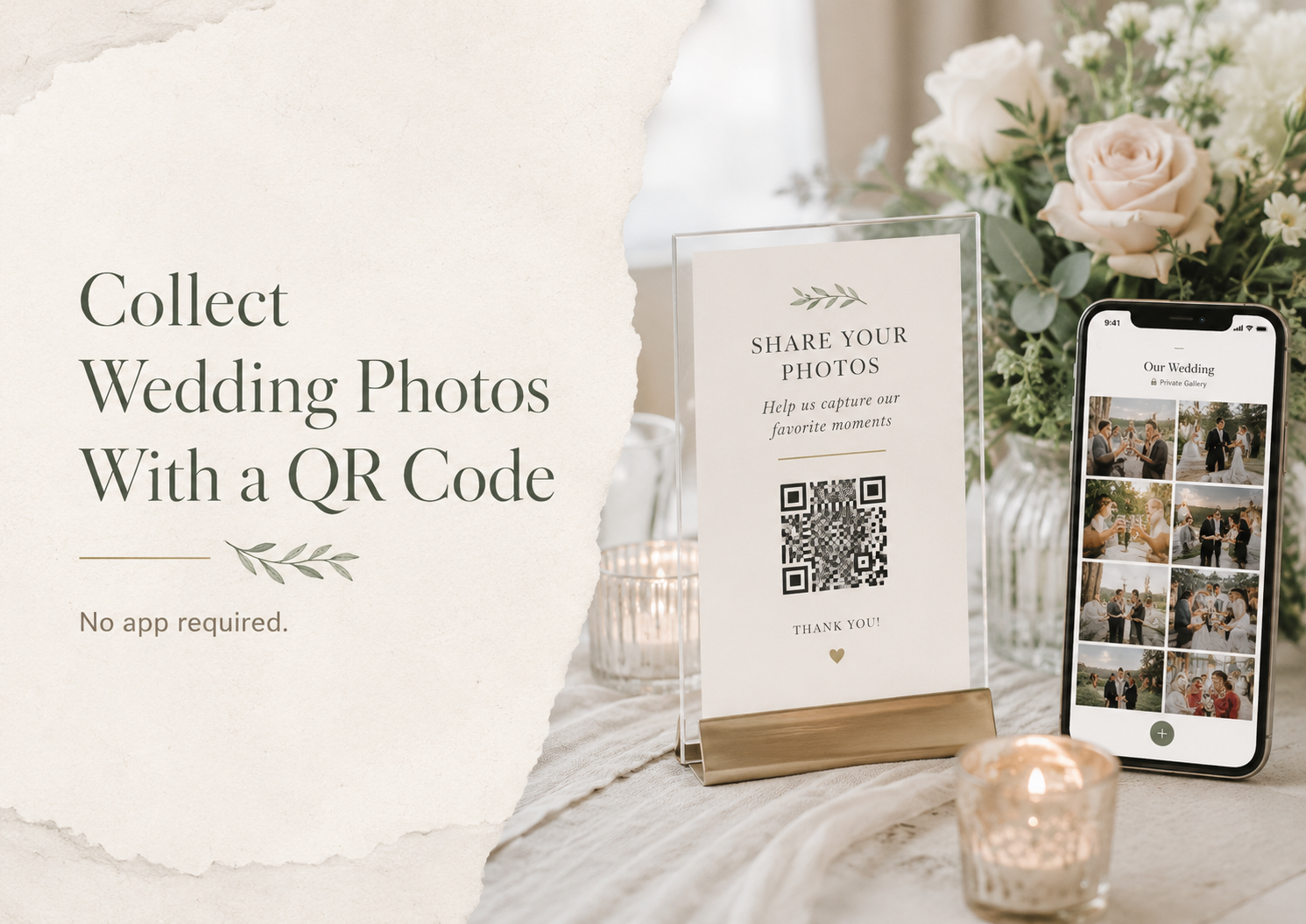
A wedding photo QR code is a scannable code that sends guests directly to your private wedding upload page.
Guests open their phone camera, scan the QR code, and upload photos or videos from their phone.
No app. No account. No complicated setup.
You can place the QR code on wedding signs, table cards, programs, your welcome table, your bar sign, or your wedding website.
Instead of saying, “Text us your photos after the wedding,” you can say:
“Scan the QR code and upload your photos and videos here.”
That small change can make a big difference.
Why a QR code works better than asking guests later
The best time to collect guest photos is during the wedding, not weeks later.
During the wedding, guests are excited. They are taking photos. They are recording videos. They are sitting at tables, walking by signs, and looking for ways to participate.
After the wedding, people travel home, go back to work, and forget.
A QR code makes photo sharing immediate.
Guests see the sign, scan it, upload their photos, and get back to celebrating.
That is why QR code wedding photo sharing is one of the easiest ways to collect more candid memories from your day.
Why “no app required” matters
One of the biggest reasons guests do not participate in wedding photo sharing is friction.
If guests have to download an app, create an account, remember a password, or figure out a new platform, many will skip it.
That is especially true at a wedding, where people are dressed up, socializing, eating, dancing, and trying to enjoy the night.
A no-app upload experience works because it feels simple.
Guests already know how to scan a QR code. They already know how to choose photos from their camera roll. They do not need to learn anything new.
For wedding guest photo uploads, simple usually wins.
The Knot photo sharing vs. a dedicated wedding QR code gallery
The Knot is a popular wedding planning platform, and many couples use it for wedding websites, registries, guest information, and planning tools.
But if your main goal is collecting photos and videos from guests, you may want a tool built specifically for that job.
A dedicated wedding QR code gallery focuses on one thing:
Helping guests upload wedding photos and videos quickly.
With SnapTheKnot, guests can scan your QR code and upload directly into your private gallery. You can use it alongside your wedding website, your printed signs, and your reception decor.
You do not have to replace your wedding website. You can simply add a guest photo upload experience to your wedding day.
What guests can upload
Guest photos are only part of the story.
Some of the best memories from a wedding are videos.
Guests may capture:
- Dance floor clips
- Toast reactions
- Cocktail hour moments
- Funny table videos
- Behind-the-scenes moments
- Send-off videos
- Group selfies
- Candid family clips
- Late-night celebration moments
If you only collect photos, you may miss some of the most fun parts of the night.
That is why it helps to use a gallery that supports both photos and videos.
Where to place your wedding QR code
To get more uploads, your QR code needs to be visible.
Do not hide it on one tiny sign in the corner. Put it where guests naturally look.
Great places for your wedding photo QR code include:
Reception tables
Table signs are one of the best options because guests see them while sitting down. This gives them time to scan and upload photos during dinner, speeches, or downtime.
Welcome table
A QR code at the welcome table introduces the idea early, before the reception gets busy.
Bar area
Guests often wait at the bar, making it a great place to encourage quick uploads.
Guest book table
If guests are already stopping to sign your guest book, they can also scan your QR code and upload photos.
DJ or emcee announcement
Ask your DJ or emcee to mention it once or twice during the reception.
They can say something simple like:
“Do not forget to scan the QR code on your table to upload your photos and videos from tonight.”
That quick reminder can help you collect many more uploads.
What your QR code sign should say
Your sign should be clear and short.
Here are a few examples:
“Share your photos with us. Scan to upload photos and videos. No app required.”
“Caught a great moment? Scan the QR code and add it to our wedding gallery.”
“Help us capture every memory. Upload your photos and videos here.”
“Scan to share your wedding photos and videos with us.”
The most important phrase to include is:
No app required.
That tells guests right away that it will be easy.
Is a wedding hashtag enough?
Wedding hashtags can be fun, but they are not the best way to collect private, full-quality photos.
With a hashtag, guests have to post publicly or semi-publicly. You may miss stories after they expire. You may not get the original quality. Some guests may not use social media at all.
A private QR code gallery gives you more control.
Guests upload directly to one place, and you can download the memories after the wedding.
Is Google Photos enough?
Google Photos can work for some groups, but it is not always ideal for weddings.
Guests may need a Google account. Some may not understand how to join or upload to a shared album. Others may worry about privacy or accidentally uploading to the wrong place.
A wedding-specific QR code gallery is usually easier because the experience is built for guests.
They scan, upload, and they are done.
How SnapTheKnot helps
SnapTheKnot makes it easy to collect wedding photos and videos from guests using a private QR code gallery.
You create your gallery, download or print your QR code, and place it around your wedding.
Guests scan the code and upload from their phones.
With SnapTheKnot, you can:
- Collect guest photos in one place
- Collect guest videos too
- Use one private wedding gallery
- Let guests upload without an app
- Add your QR code to signs or table cards
- Download your memories after the wedding
- Make the process simple for guests of all ages
It is a simple way to capture more of the moments your guests see throughout the day.
When should you set up your wedding photo QR code?
The best time to set it up is before you print your wedding signs.
That gives you time to:
- Create your gallery
- Download your QR code
- Add it to your sign design
- Print table cards or framed signs
- Test the QR code
- Share the link with your planner or DJ
- Add it to your wedding website if needed
You can also set it up closer to the wedding, but earlier is better if you want printed signs ready for the reception.
Final thoughts
If you are searching for The Knot photo sharing or a QR code for wedding photos, what you probably want is simple:
One easy place for guests to upload photos and videos.
A private wedding QR code gallery gives you that.
Guests scan the code, upload from their phones, and everything goes into one gallery.
No app required. No chasing people afterward. No scattered group chats.
Just more memories from the people who celebrated with you.