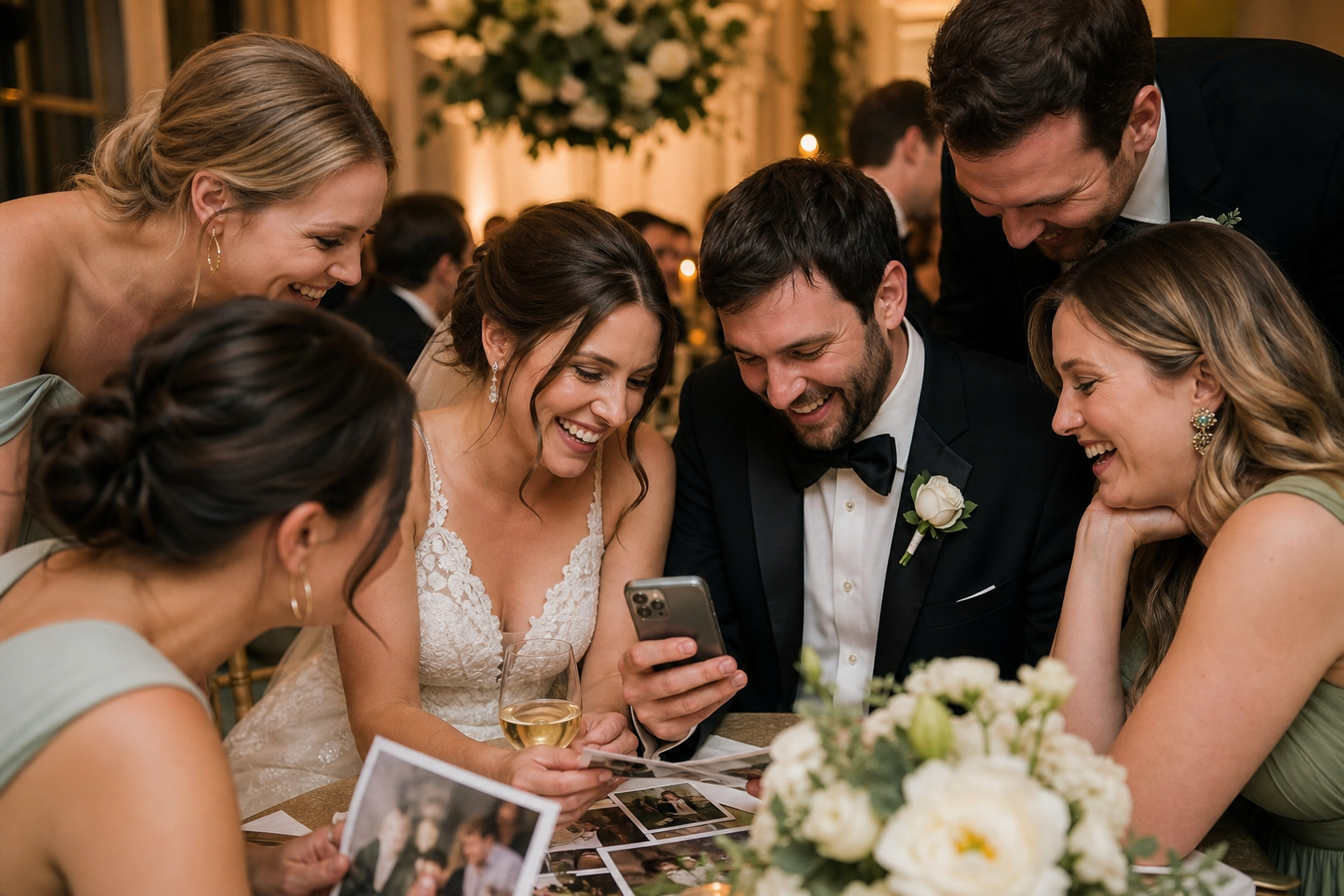
The easiest way to share wedding photos with guests after the wedding is to send one private gallery link, make it simple to view on a phone, and explain exactly what guests can do there. That one destination can hold the photos you choose to share, plus the candid images and videos guests captured themselves. It is far less confusing than sending files by text, posting separate social albums, or trying to keep up with individual requests.
The important part is setting expectations before you send the link. Decide which photos are ready, whether guests can download them, and whether you want to keep collecting guest uploads after the celebration. Then send a short message at the right time rather than rushing to share everything the morning after.
Start by separating the photos you have
Most couples finish a wedding with at least two distinct collections: professional coverage from their photographer and informal photos from guests. They serve different purposes, so do not feel pressured to treat them exactly the same way.
- Professional photos are the polished, carefully edited record of the day. Your photographer may deliver these in their own client gallery and may have preferences or licensing terms that affect how you distribute files.
- Guest photos and videos tend to include the moments happening around the edges: friends getting ready, reactions during speeches, dance-floor clips, and snapshots from tables you never visited.
- Your favorites for broad sharing may be a smaller group than either full collection. These are the images you are happy for every guest to see right away.
This distinction helps you avoid a common post-wedding headache: forwarding a photographer's download link to a large group without first confirming that it is appropriate to do so. Read your agreement, ask your photographer if anything is unclear, and respect any directions they provide for sharing or downloading.
Choose one guest-friendly place to send people
Guests should not have to search old group chats, request access to a cloud folder, or create an account just to see a few wedding photos. Pick one primary destination and use the same link everywhere: your thank-you email, wedding website update, group messages, and social post if you are sharing publicly.
A shared wedding photo gallery for guests works well when you want a more intentional home for the full visual story. With Snap the Knot, couples have a private gallery, owner controls, and a single link guests can open. Guests can also use the gallery to add photos and videos without downloading an app or creating an account. You can explore the available gallery and sharing features before deciding how you would like to use it.
If your photographer has already supplied a gallery, that may be the right place for the professional set. You can still use a separate couple-managed gallery for guest contributions, so the two collections stay clear and manageable.
Use this simple decision guide
| What you want to share | Best approach |
|---|---|
| A few polished highlights | Send a small selection in your thank-you message or a link to a highlights album. |
| Your photographer's full delivered collection | Follow the photographer's gallery-sharing instructions and confirm guest access first. |
| Guest candids and videos | Use a private shared gallery where people can view and continue adding memories. |
| Everything from the wedding weekend | Keep separate galleries or albums for the shower, rehearsal dinner, wedding day, and farewell brunch. |
Set permissions and privacy before sending the link
Convenience matters, but so does being thoughtful about who sees personal moments. Before you share wedding photos with guests, consider your audience and make a few decisions together.
- Will the gallery be private and shared only by direct link?
- Are there photos of children, private getting-ready moments, or guests who prefer not to appear online?
- Do you want to review guest uploads before highlighting or sharing them more widely?
- Can guests download images, or are you simply giving them a place to view?
- Will you keep the professional images separate from guest submissions?
There is no universal answer. A small destination wedding may feel comfortable with a single shared collection, while a larger wedding may call for a more curated selection. The goal is to make a deliberate choice before a link begins traveling through family text threads.
If you are still collecting guest images, owner controls are particularly useful. They let you remain in charge of the gallery while making the upload process easy for the people who were there.
Time your photo-sharing message well
Do not wait for every final image before acknowledging your guests. A quick note within a few days keeps the warmth of the celebration going, while the full professional gallery can arrive later when it is ready.
- Within a few days: Send a thank-you and, if you have one, share a small preview or invite guests to add their own photos and videos.
- One to several weeks later: Send your chosen gallery link once you have organized the guest uploads and received any images you are ready to share.
- After professional delivery: Share a highlights link or the photographer-approved gallery information. You can send this as a separate update rather than holding everything back.
- Before your first anniversary: Download and save your collected guest photos and videos in more than one location. This is also a lovely time to revisit the gallery together.
A short follow-up is not bothersome when it gives people something meaningful: a chance to relive the day, find a photo of themselves, or contribute a moment they forgot to send.
Write a message guests will understand immediately
The best wording is warm, specific, and brief. State what the link contains and what you would like guests to do. Avoid a vague “photos are here!” message if you are still hoping for uploads.
If you are sharing photos for viewing
Thank you for celebrating with us. We are so happy to share some of our favorite wedding photos with you. You can view the gallery here: [link]. We hope these bring back happy memories of the day.
If you are still collecting guest photos and videos
We loved celebrating with you and would love to see the day from your point of view. Please add any photos or videos you took to our private wedding gallery here: [link]. No app or account is needed. Thank you for helping us save the little moments we may have missed.
If you are doing both
Our wedding gallery is ready! You can look through the photos already shared and add any favorite pictures or videos from your phone here: [link]. Thank you for being part of our day.
For more ideas on creating a smooth upload experience, see this guide to a wedding photo QR code. A QR code is useful during the wedding, but the link remains valuable afterward when guests find additional images in their camera rolls.
Organize the gallery so people will actually enjoy it
A giant, unstructured feed can still be meaningful, but a little organization makes it easier for guests to revisit. Start with a simple structure that reflects how people remember the celebration.
- Getting ready
- Ceremony
- Cocktail hour and portraits
- Reception and speeches
- Dance floor
- Guest candids and videos
You do not need to create dozens of categories or chase perfection. The point is to make standout moments discoverable. Keep the most broadly shareable favorites easy to find, and consider a separate collection for the full wedding weekend. Snap the Knot supports separate event galleries for occasions such as showers, bachelor or bachelorette parties, and rehearsal dinners, which can prevent one long gallery from becoming overwhelming.
If you displayed guest photos during the reception, it can also be fun to point guests back to the memories they helped create. A Live Image Wall can make those candid uploads part of the event itself; afterward, the shared gallery gives those moments a home.
Avoid these post-wedding sharing mistakes
- Sending too many links. Choose one primary link and clearly label any additional photographer gallery.
- Assuming guests know they can upload. Say directly that you are still collecting photos and videos, and include the link again.
- Forgetting the people who are not on social media. A direct gallery link is more inclusive than relying on a social post alone.
- Ignoring privacy preferences. Be mindful about public sharing, especially with children and sensitive family moments.
- Leaving your only copy in one place. Download your collected photos and videos and save backups once your collection is complete.
Make the gallery part of your thank-you plan
Photo sharing after a wedding does not need to be another complicated task on your checklist. Treat it as a simple extension of thanking the people who celebrated with you. One well-organized link lets guests revisit the joy, find themselves in the story, and send the candid photos you would otherwise never see.
If you would like a straightforward way to collect and share those memories, you can start a free gallery with Snap the Knot, then decide whether it fits your wedding plans. Plans are a one-time purchase and start at $19; see pricing details when you are ready.