How to Collect Wedding Photos From Guests Without an App
Your wedding photographer will capture the big moments: the ceremony, portraits, first dance, cake cutting, and all the beautiful details.
But your guests capture something different.
They get the candid laughs at cocktail hour, the dance floor chaos, the behind-the-scenes moments, the selfies, the table photos, and the little memories you might never see otherwise.
The hard part is collecting all of those photos after the wedding.
Text messages get messy. Social media posts are easy to miss. Shared albums can be confusing. And asking guests to download an app usually means most of them simply will not do it.
That is why one of the easiest ways to collect wedding photos from guests is with a private wedding photo QR code.
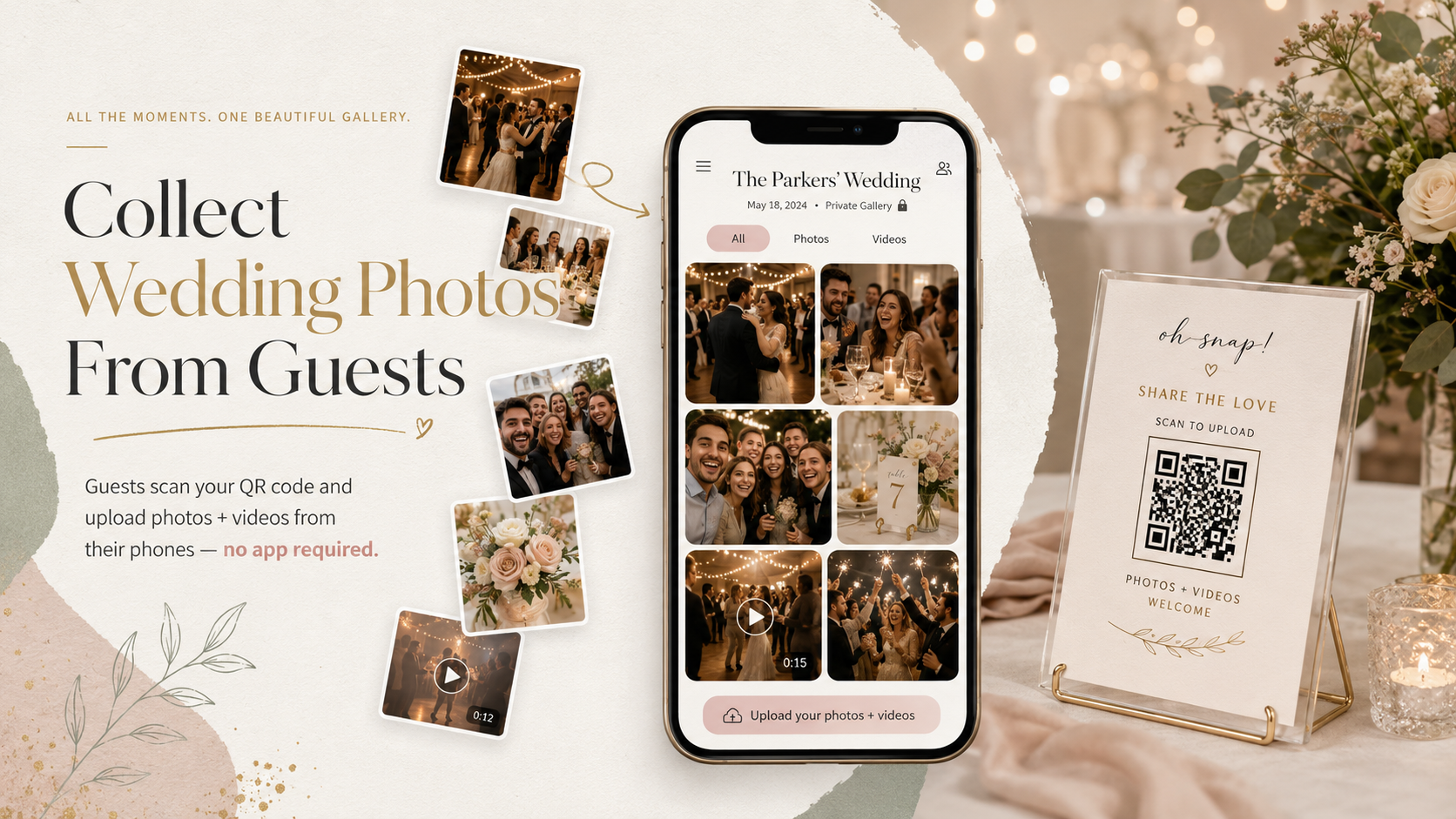
Guests scan one QR code, upload photos and videos from their phones, and everything goes into one private gallery.
No app required.
Why collecting wedding guest photos is harder than it sounds
Most couples assume guests will naturally send their photos after the wedding.
Some will. Most will not.
Not because they do not care, but because life gets busy. Guests leave the reception, travel home, go back to work, and those photos stay buried in their camera rolls.
Here are the common problems couples run into:
-
Photos are scattered across dozens of phones
-
Guests send pictures through random text threads
-
Social media posts are hard to save in full quality
-
Some guests do not use the same apps
-
Shared albums require setup or logins
-
People forget to send photos after the wedding
-
Videos are even harder to collect than photos
The best time to collect wedding photos is while guests are still at the wedding and excited to share.
That is where a QR code makes a big difference.
What is a wedding photo QR code?
A wedding photo QR code is a simple code that guests scan with their phone camera.
After scanning, they are taken to a private upload page where they can add photos or videos from their phone.
Instead of asking guests to text you pictures later, you give them one easy place to upload everything during the wedding.
You can place the QR code on:
-
Reception tables
-
Welcome signs
-
Bar signs
-
Guest book tables
-
Wedding programs
-
Thank-you cards
-
Your wedding website
-
Cocktail hour displays
The easier the QR code is to see, the more photos you are likely to collect.
The easiest way to collect wedding photos from guests
The easiest method is:
-
Create a private wedding photo gallery
-
Generate a QR code for that gallery
-
Print the QR code on signs or cards
-
Place the signs around your wedding
-
Let guests scan and upload directly from their phones
-
Download the full gallery after the wedding
That is it.
Guests do not need to download an app. They do not need to create an account. They do not need to remember to send photos later.
They just scan, upload, and go back to celebrating.
Why “no app required” matters
This is one of the most important parts.
Any extra step lowers the number of guests who will actually participate.
If guests have to download an app, create a login, verify an email, or learn a new platform, many of them will skip it.
A no-app wedding photo upload experience works better because it feels instant.
Guests already know how to scan a QR code. They already know how to choose photos from their phone. The process feels simple, especially for friends and family members who may not be tech-savvy.
For weddings, simple wins.
Photos and videos should be collected together
Wedding photos are great, but guest videos can be even more fun.
Guests often capture:
-
Dance floor clips
-
Toast reactions
-
Funny behind-the-scenes moments
-
Private vows or sweet conversations
-
Send-off videos
-
Candid clips of friends and family
If you only collect photos, you may miss some of the most memorable parts of the night.
Using a wedding photo and video upload gallery gives guests one place to send both.
That means you are not trying to chase down videos through texts, AirDrop, Instagram DMs, or random cloud links later.
Where to place your wedding photo QR code
Placement matters.
If your QR code is hidden on one small sign in the corner, guests may never notice it. You want the QR code to be visible during natural moments when people are sitting, eating, talking, or waiting.
Good places to put your QR code include:
Reception tables
Small table signs work well because guests see them while sitting down. This is one of the best places to encourage uploads.
Bar area
Guests often wait near the bar, making it a great spot for a QR code sign.
Guest book table
If guests are already stopping to sign something, they can also scan and upload photos.
Welcome table
This helps guests know about the gallery early in the event.
DJ or emcee announcement
A quick announcement can dramatically increase uploads. Ask your DJ or emcee to say something like:
“Do not forget to scan the QR code on your table to upload your photos and videos from tonight!”
Wedding website
You can add the upload link or QR code to your wedding website so guests can access it before and after the event.
What should your QR code sign say?
Your sign should be short and clear.
Here are a few examples:
Share your photos with us
Scan the QR code to upload your wedding photos and videos.
Help us capture every moment
Scan to add your photos and videos to our private wedding gallery.
Caught a great moment?
Scan here and upload your photos. No app needed.
Share the love
Upload your photos and videos from tonight using this QR code.
The most important phrase to include is:
No app required.
That removes hesitation and makes guests more likely to participate.
Should you use a shared album instead?
Shared albums can work, but they are not always ideal for weddings.
Apple Shared Albums are mostly useful for iPhone users. Google Photos may require guests to have or use a Google account. Dropbox or Google Drive folders can feel clunky. Social media hashtags are public and do not collect full-quality files in one private place.
A private QR code gallery is usually easier because it is designed for one purpose: collecting wedding photos and videos from guests.
Benefits of using a QR code wedding photo gallery
A wedding photo QR code helps you:
-
Collect more guest photos
-
Save everything in one private gallery
-
Avoid chasing guests after the wedding
-
Let guests upload without an app
-
Collect videos, not just photos
-
Keep memories organized
-
Make the upload process easy for all ages
-
Download the gallery after the event
It is one of those small wedding details that can make a big difference after the day is over.
When should you set it up?
Ideally, set up your wedding photo QR code before you print your wedding signs.
That gives you time to:
-
Create your private gallery
-
Download your QR code
-
Add it to your sign design
-
Print table cards or signs
-
Test the QR code before the wedding
-
Share the link with your planner, DJ, or photographer
You can also create a gallery close to the wedding date, but giving yourself extra time makes the process smoother.
How SnapTheKnot makes it easy
SnapTheKnot helps couples collect wedding photos and videos from guests using one private QR code gallery.
Guests scan your QR code and upload directly from their phones. They do not need to download an app or create an account.
With SnapTheKnot, you can:
-
Create a private wedding gallery
-
Let guests upload photos and videos
-
Use a QR code on signs, tables, or programs
-
Keep everything organized in one place
-
Download your gallery after the wedding
-
Make sharing easy for every guest
It is a simple way to capture more memories from your wedding day, especially the candid ones your photographer may not see.
Final thoughts
Your wedding day will go by fast.
Your guests will capture hundreds of little moments from their own point of view, but those memories are easy to lose if there is no simple way to collect them.
A wedding photo QR code gives everyone one easy place to upload photos and videos.
No app. No login. No chasing people afterward.
Just one private gallery filled with moments from the people who celebrated with you.